matlockac.org.uk
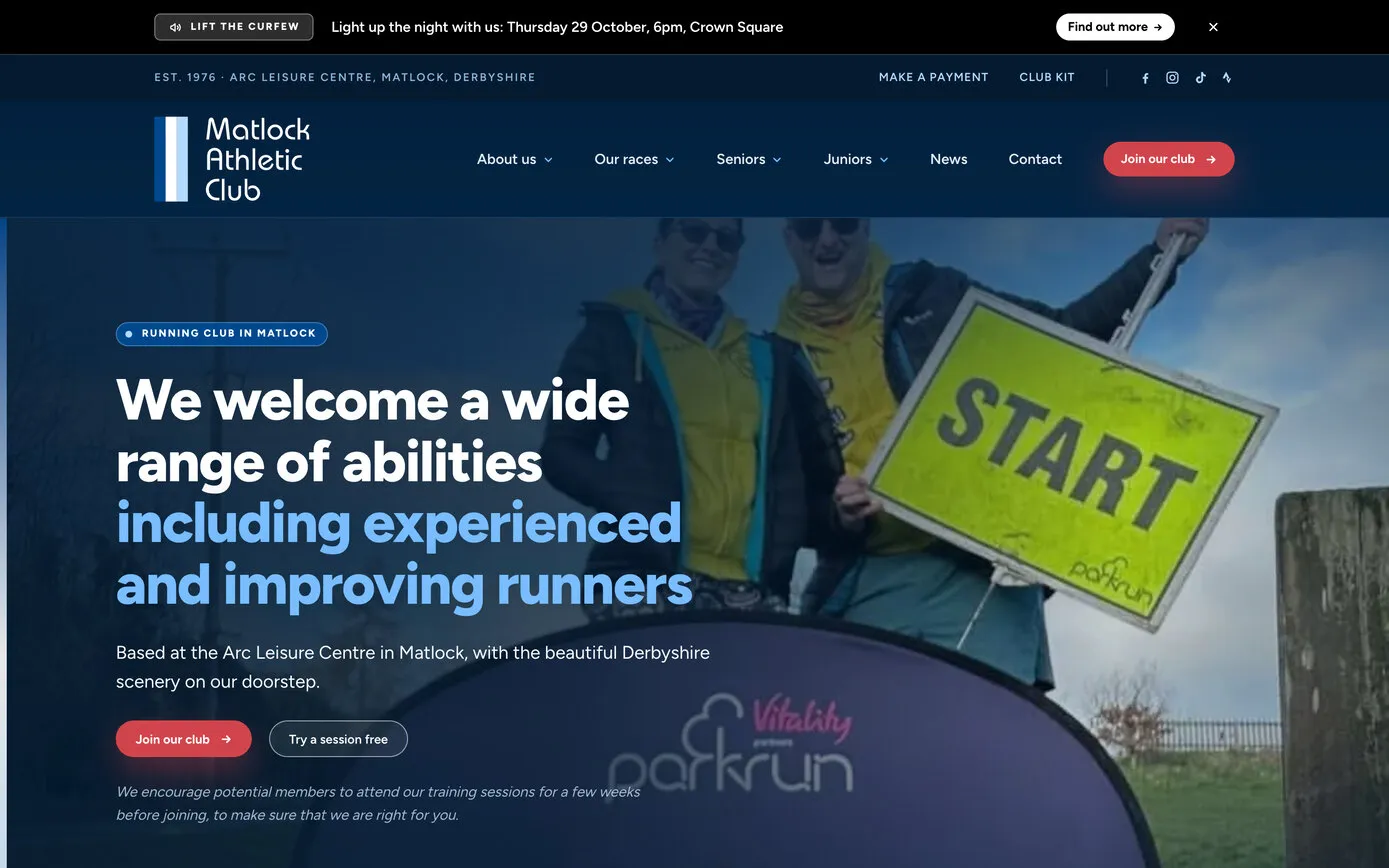
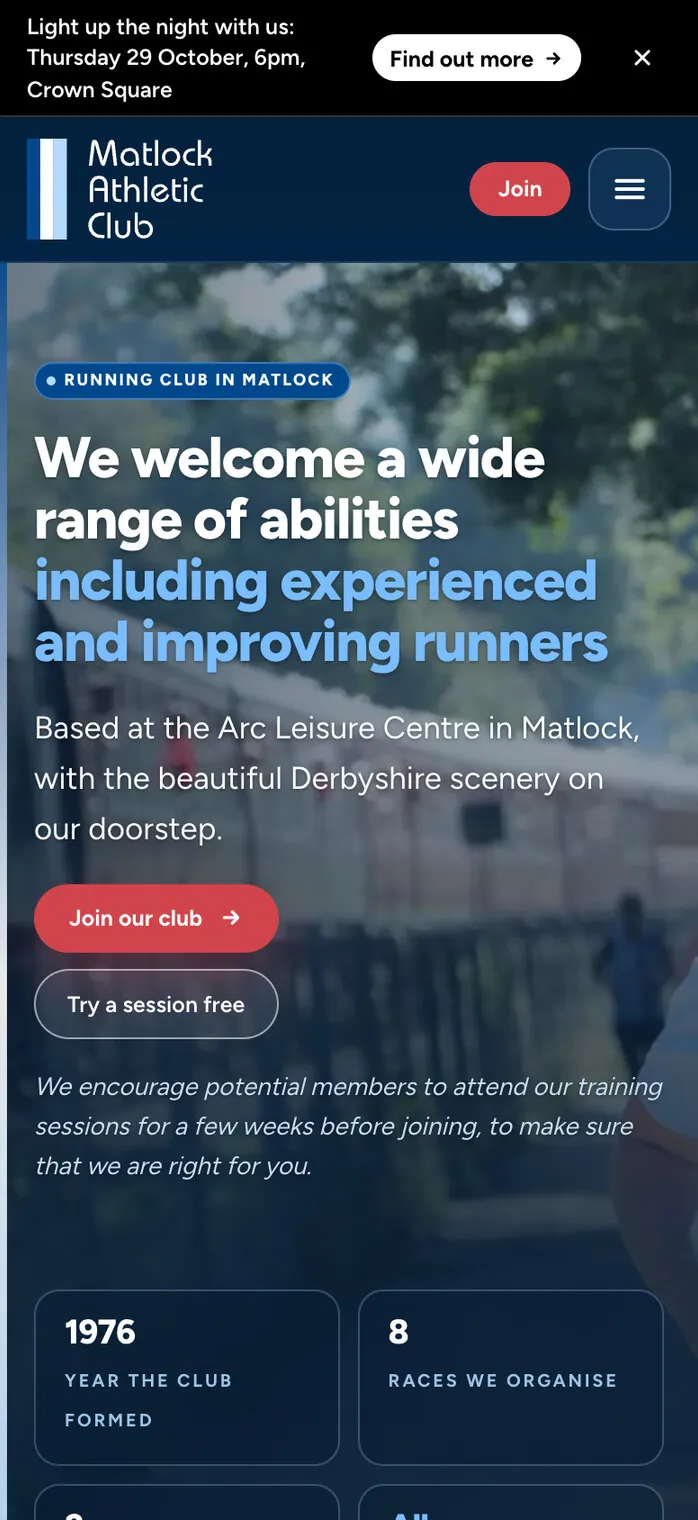
The website today
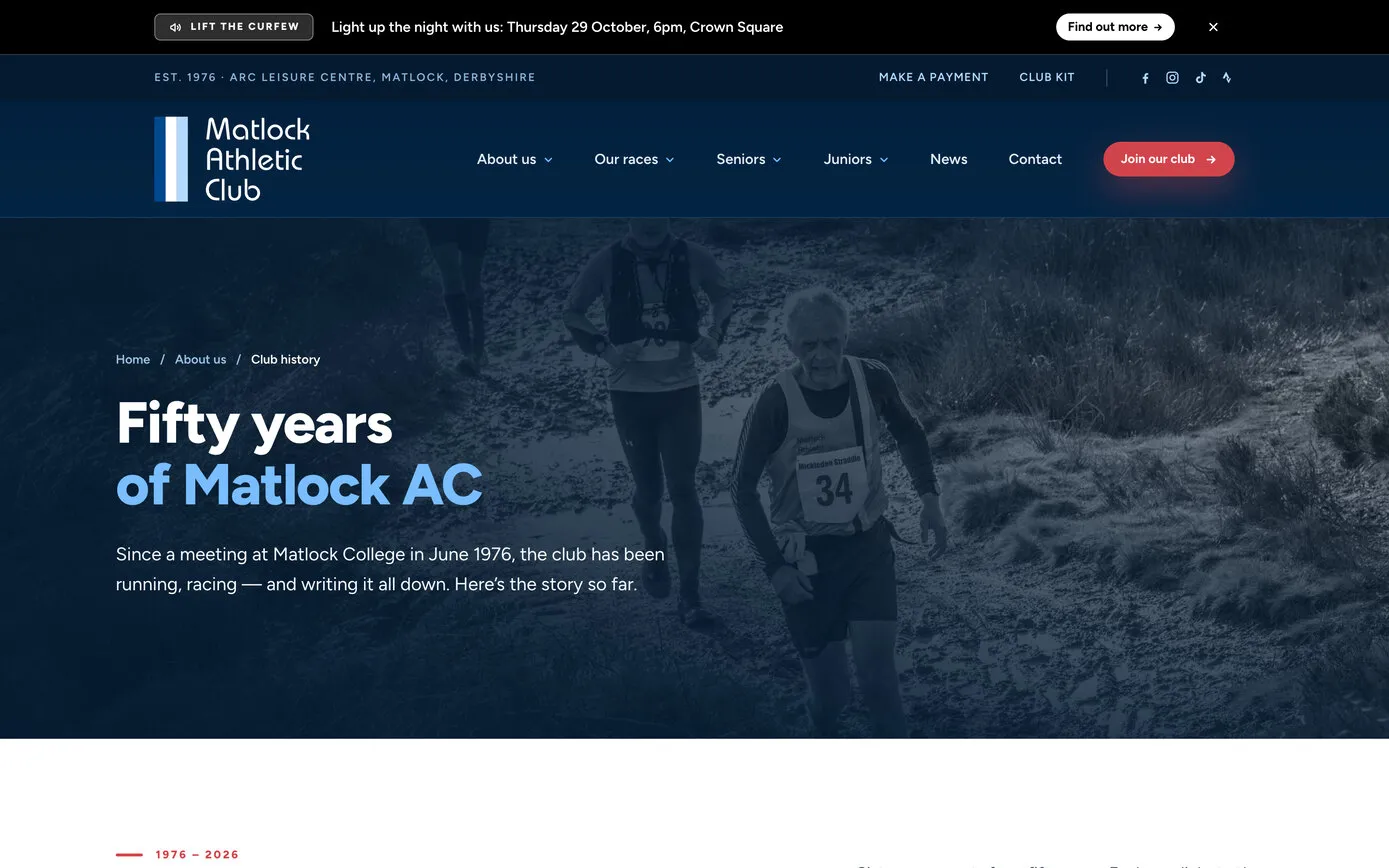
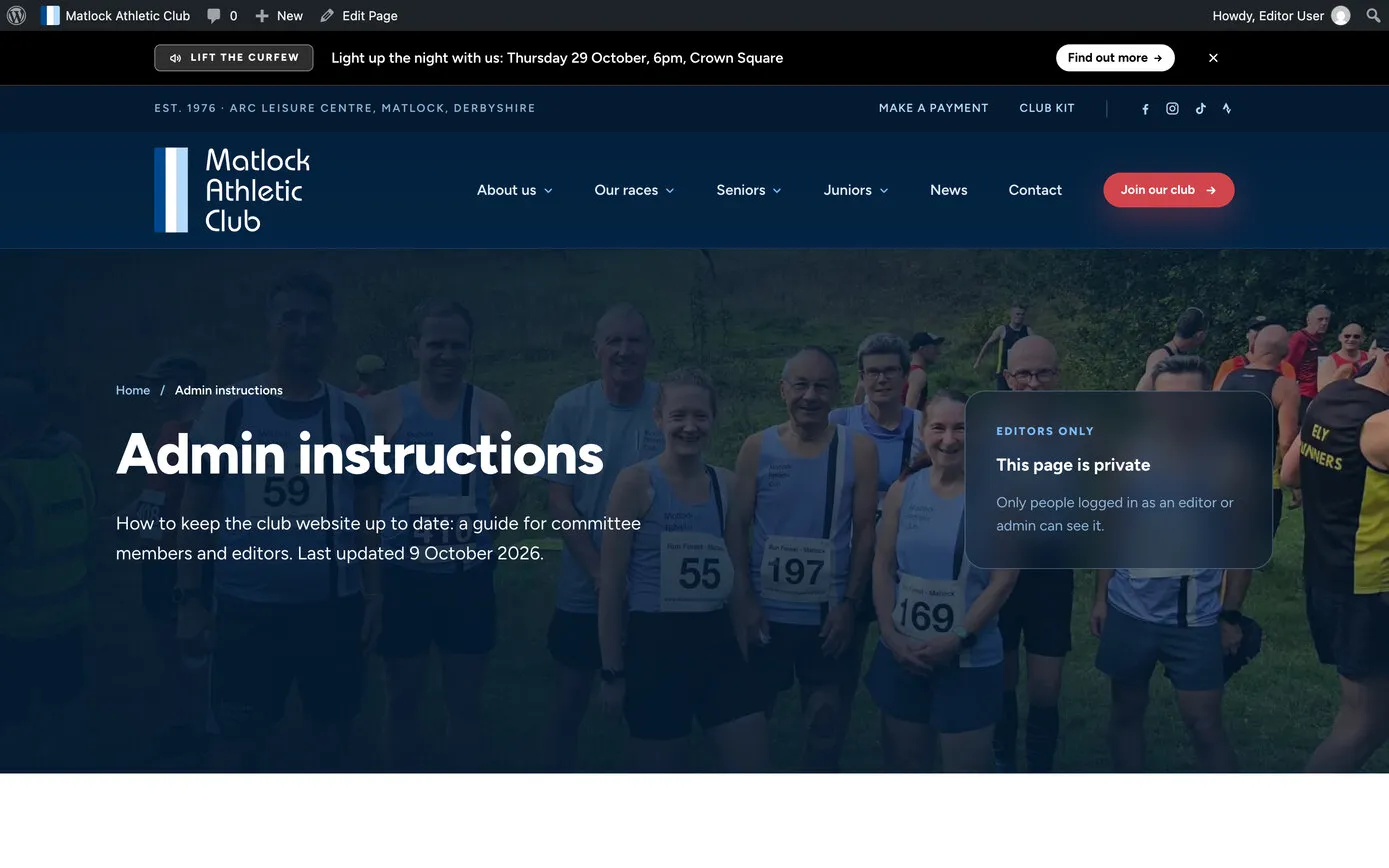
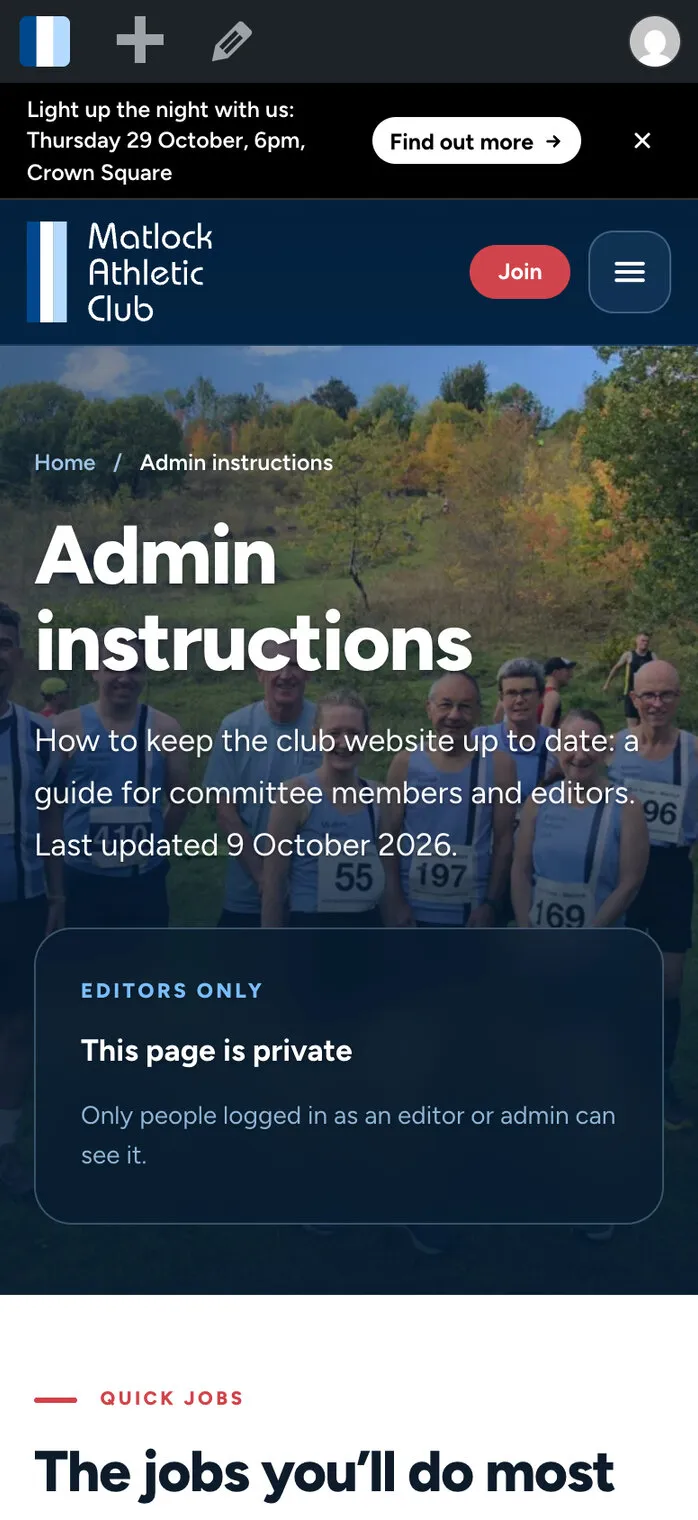
The club’s own photos, a notice bar the committee control, and the next training session one scroll down.
- Website
- Hosting and care
Matlock Athletic Club is a running club in Matlock for all abilities, based at the Arc Leisure Centre and 50 years old in 2026. Volunteers do everything, from the weekly news to the club’s eight races. We’ve looked after the club’s website since 2022, and in October 2026 we rebuilt it: a fresh look, and a site the committee keep up to date from a Google Sheet, a simple form or one settings page, while the routine jobs take care of themselves.
Matlock Athletic Club was founded in 1976 and is celebrating its 50th year. It welcomes everyone from people taking up running to experienced fell and road runners, and trains three evenings a week from the Arc Leisure Centre, with juniors on Monday nights.
Everything is done by volunteers: a committee who post the news, captains and run leaders who plan the training, and race teams who organise the club’s eight races. The biggest is the Festival of Running, whose marathon, half marathon and downhill 10k all finish at Cromford Meadows, with over 500 runners crossing the line.
So the website has two jobs. It has to tell visitors when and where to turn up, and it has to let volunteers keep it up to date in five spare minutes, without learning how a website works.
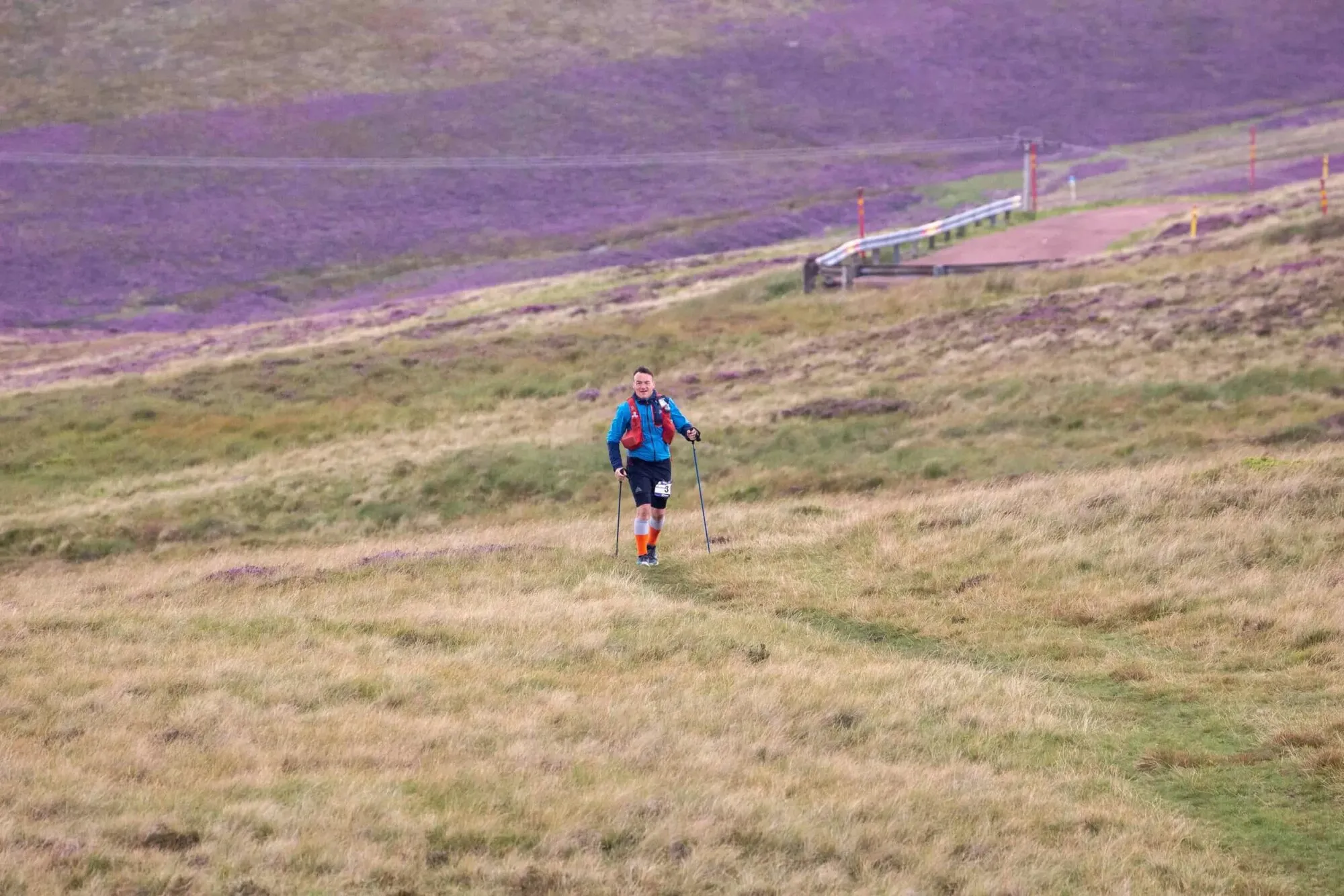
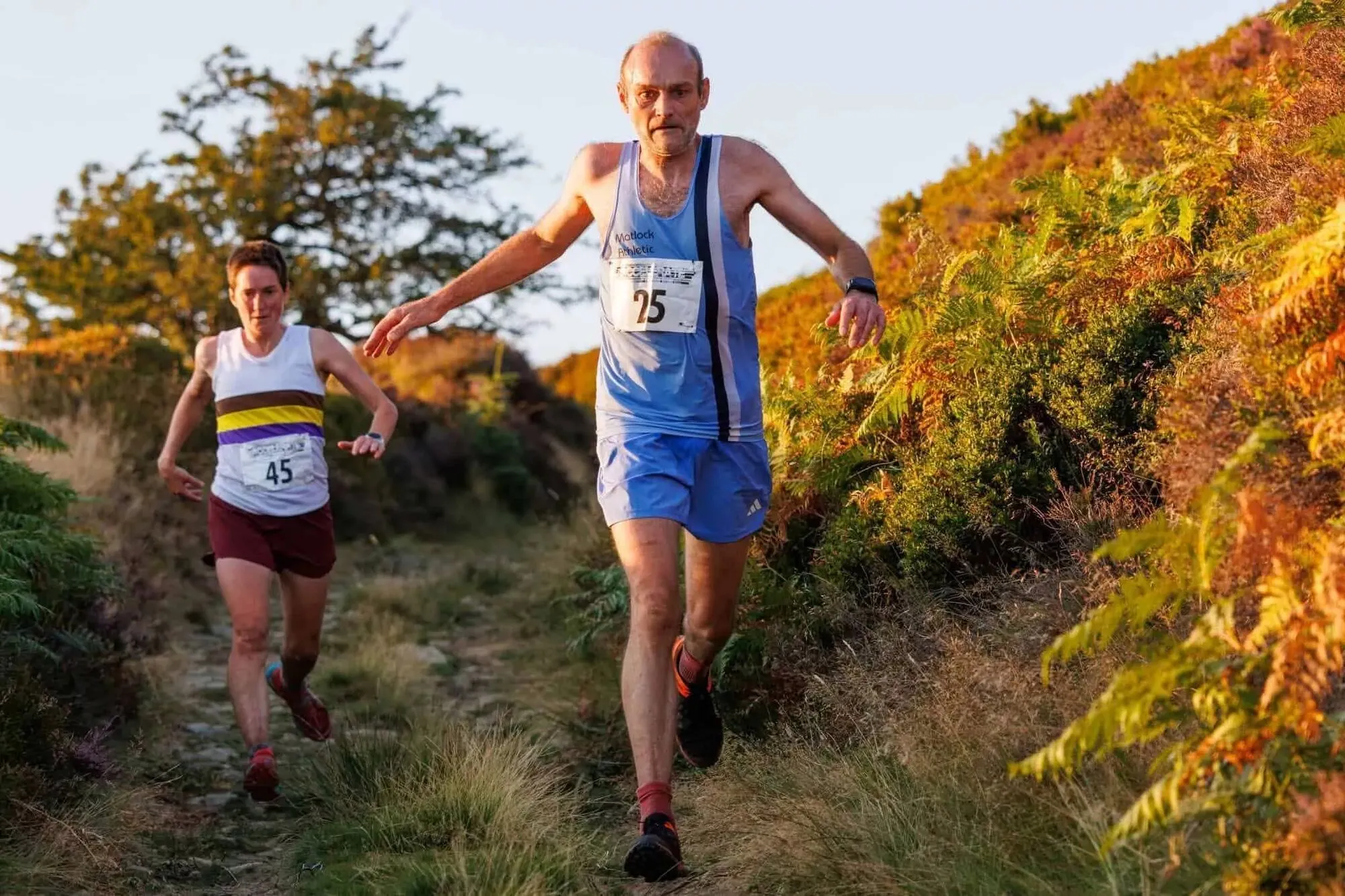
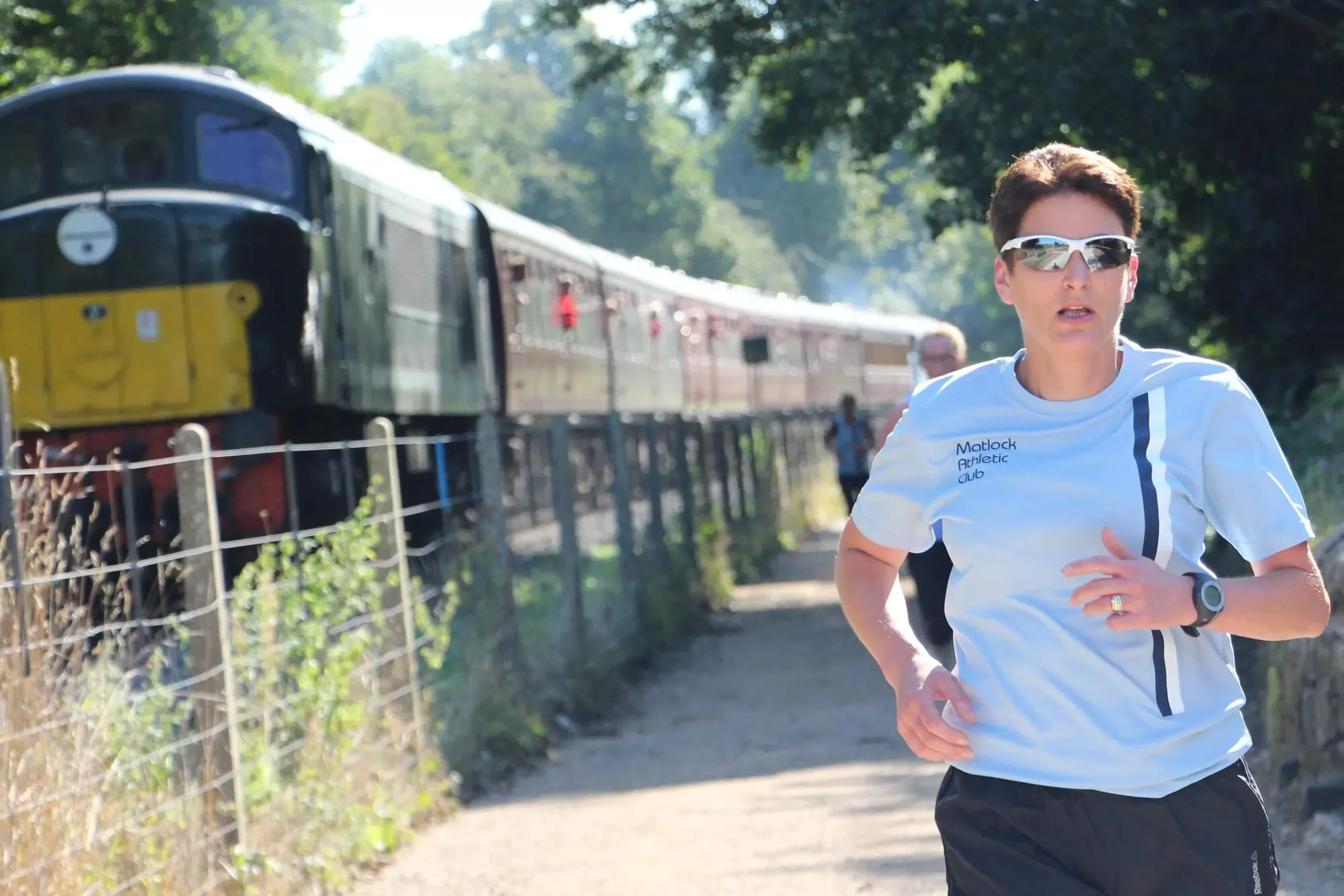


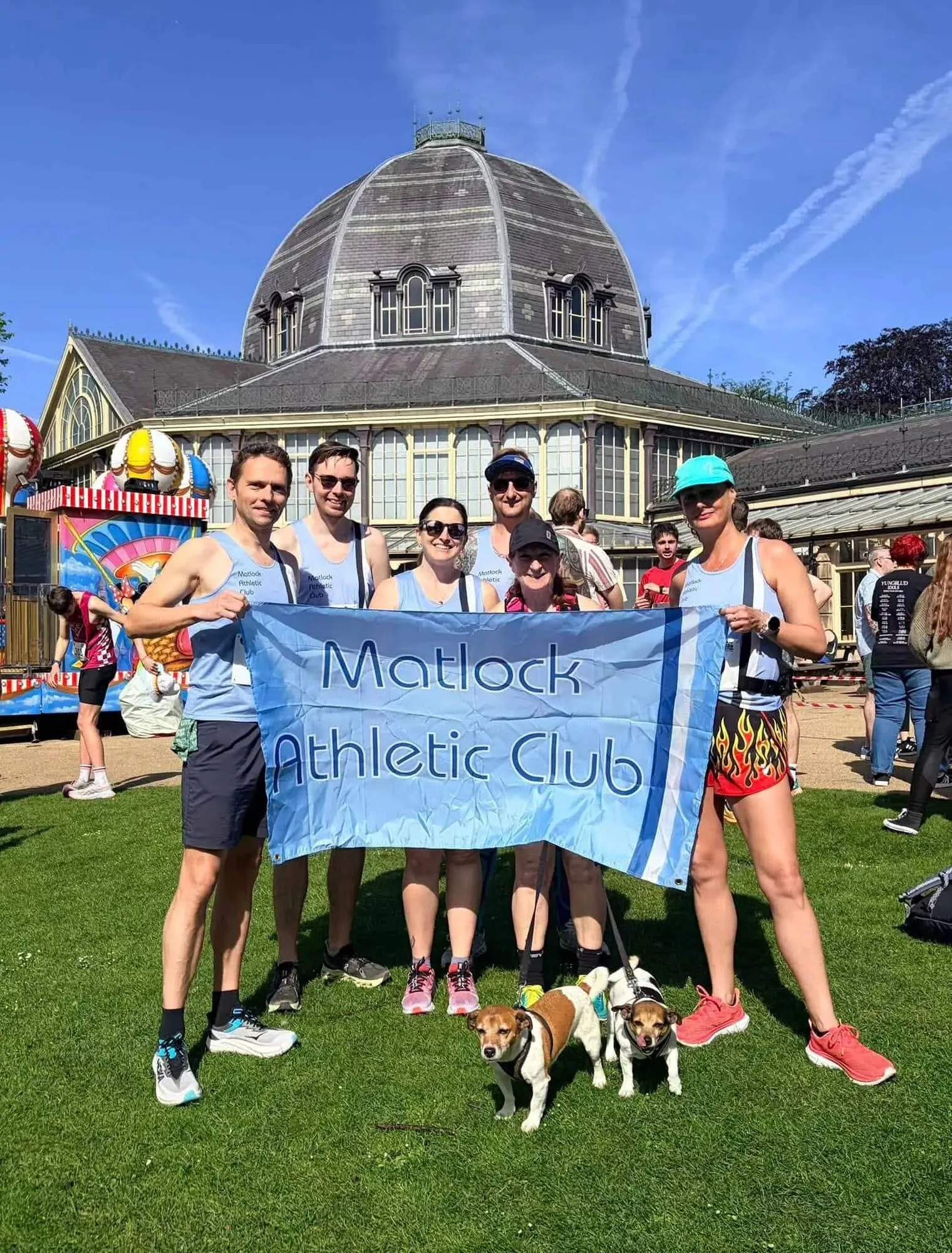
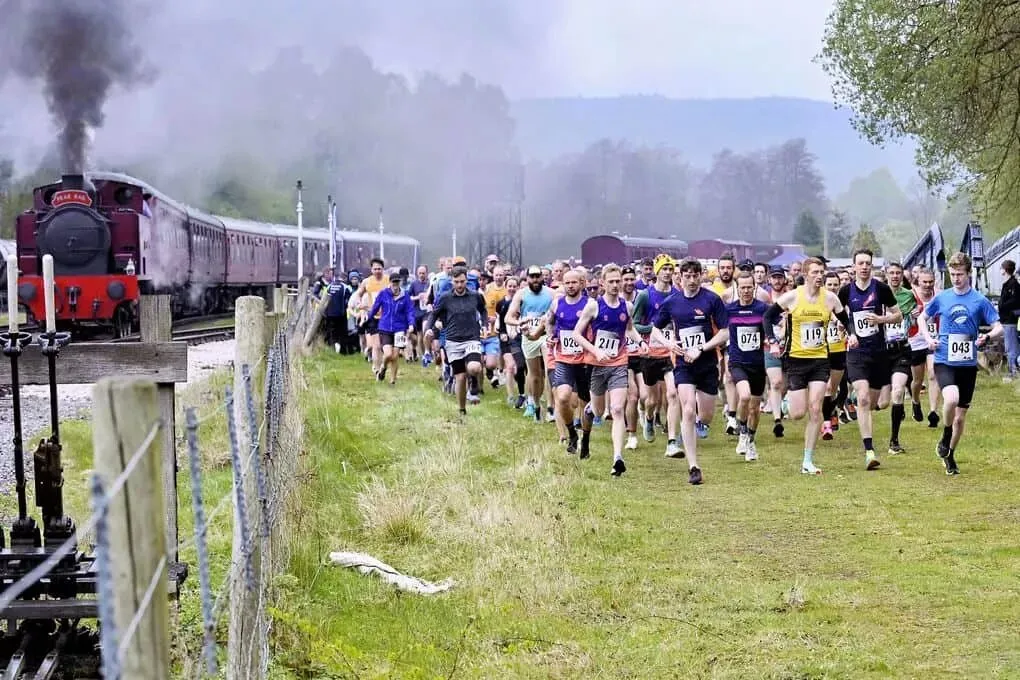
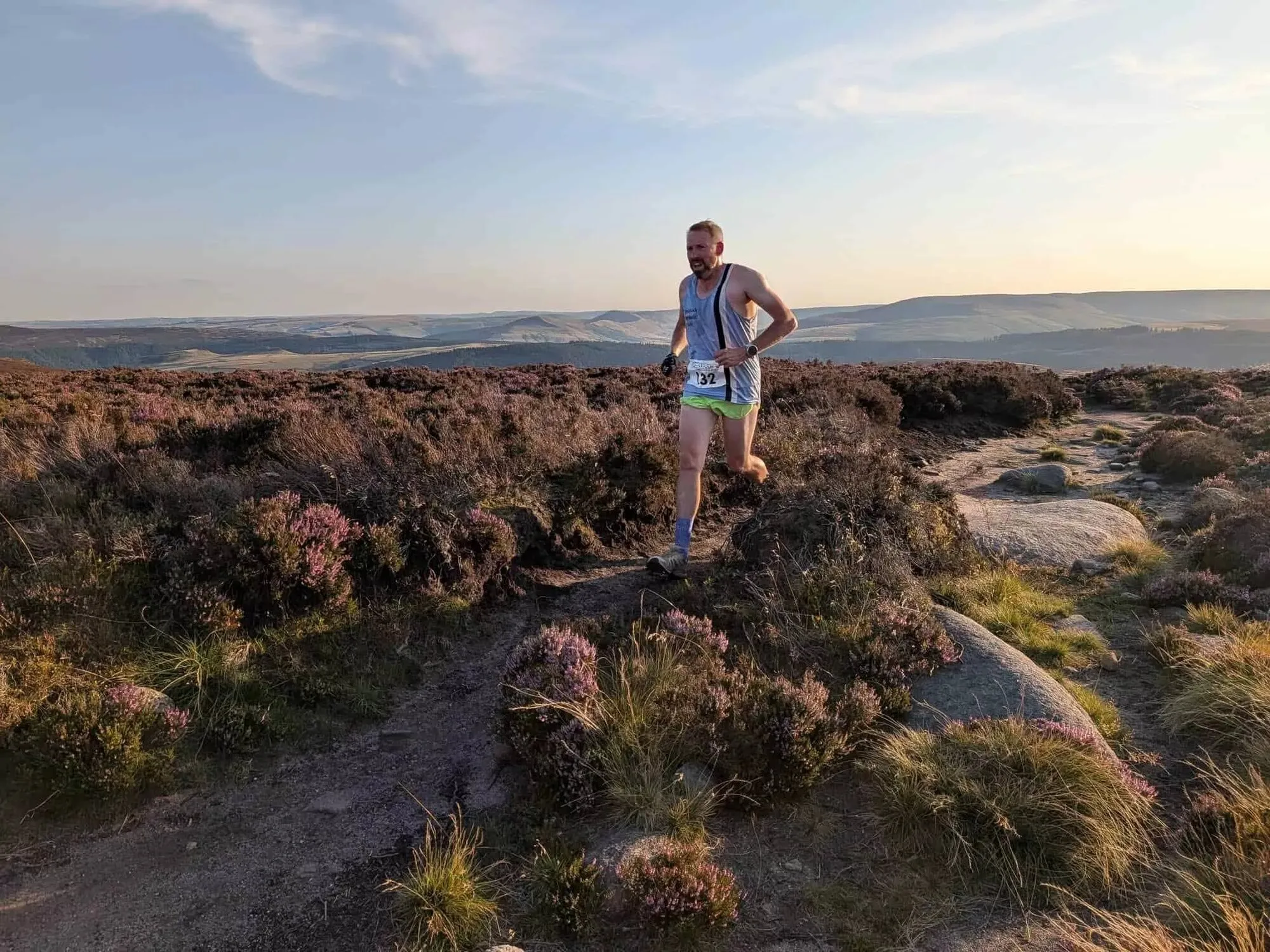
Club photos from matlockac.org.uk.
Until 2022 the club had a Joomla website, hosted by a web company. Editing it was fiddly, and the training plans went out every couple of months as PDF attachments to the newsletter.
In July 2022 we replaced it with a WordPress site. From the first day the training schedules and the events list were Google Sheets shown on the website, so committee members could keep them up to date without logging in. Over the next four years the site grew with the club: about 150 news posts a year, online race entries, the Whitworth Thread’s own website folded in, a junior kit swap and slideshows of the club’s history.
The pages themselves were a different story. Changing them meant working in the page builder we’d chosen in 2022, Oxygen, and the volunteers found it hard going. The club’s chair, in 2023:
Some of the stuff in Oxygen seems to blow my mind.
So in October 2026 we rebuilt the site with a newer, quicker page builder, Etch, and moved everything the committee change regularly out of the page layouts altogether: into Google Sheets, forms on the website and one Club settings page.
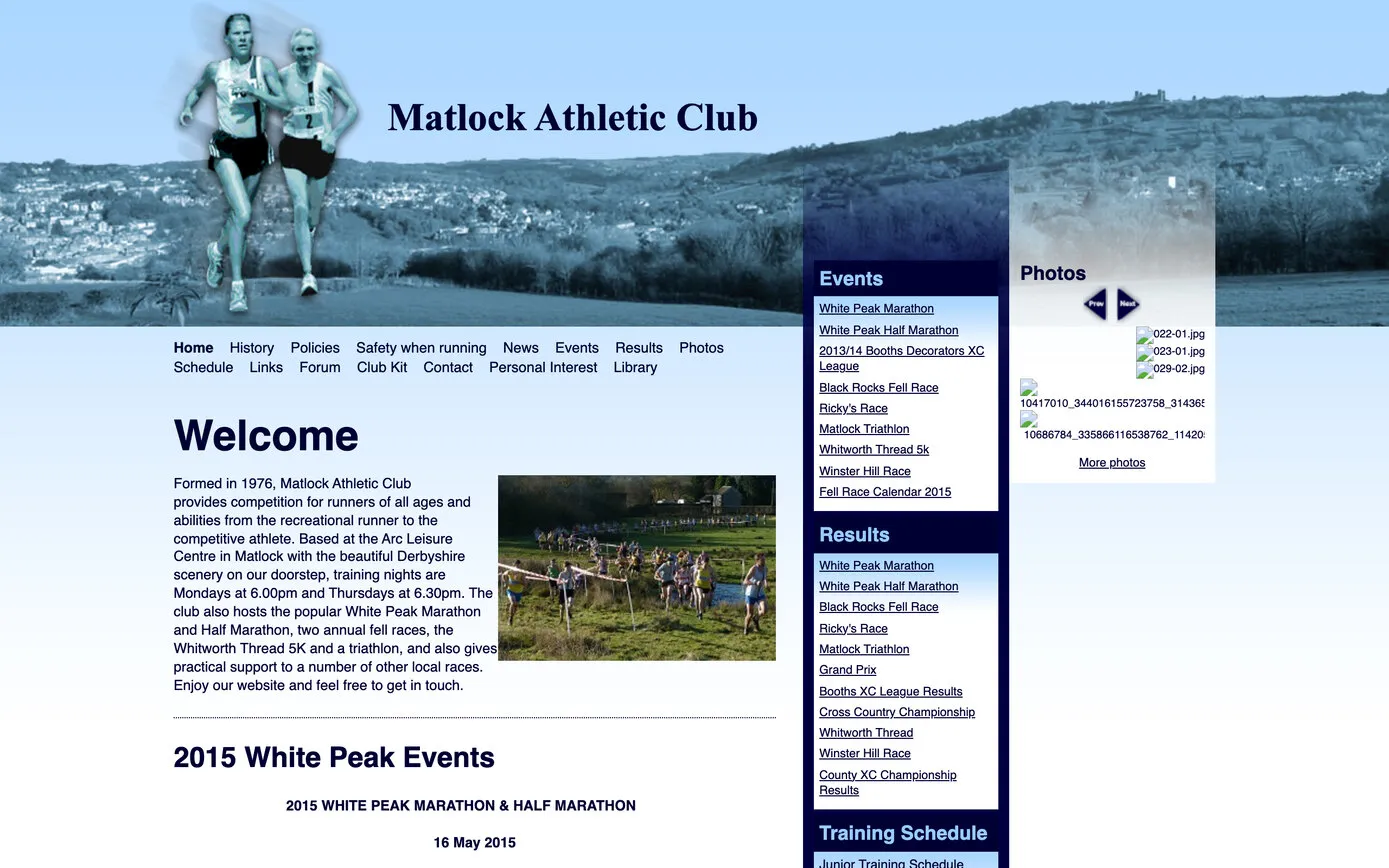
A photo header of runners above Matlock, and columns of events, results and photos.
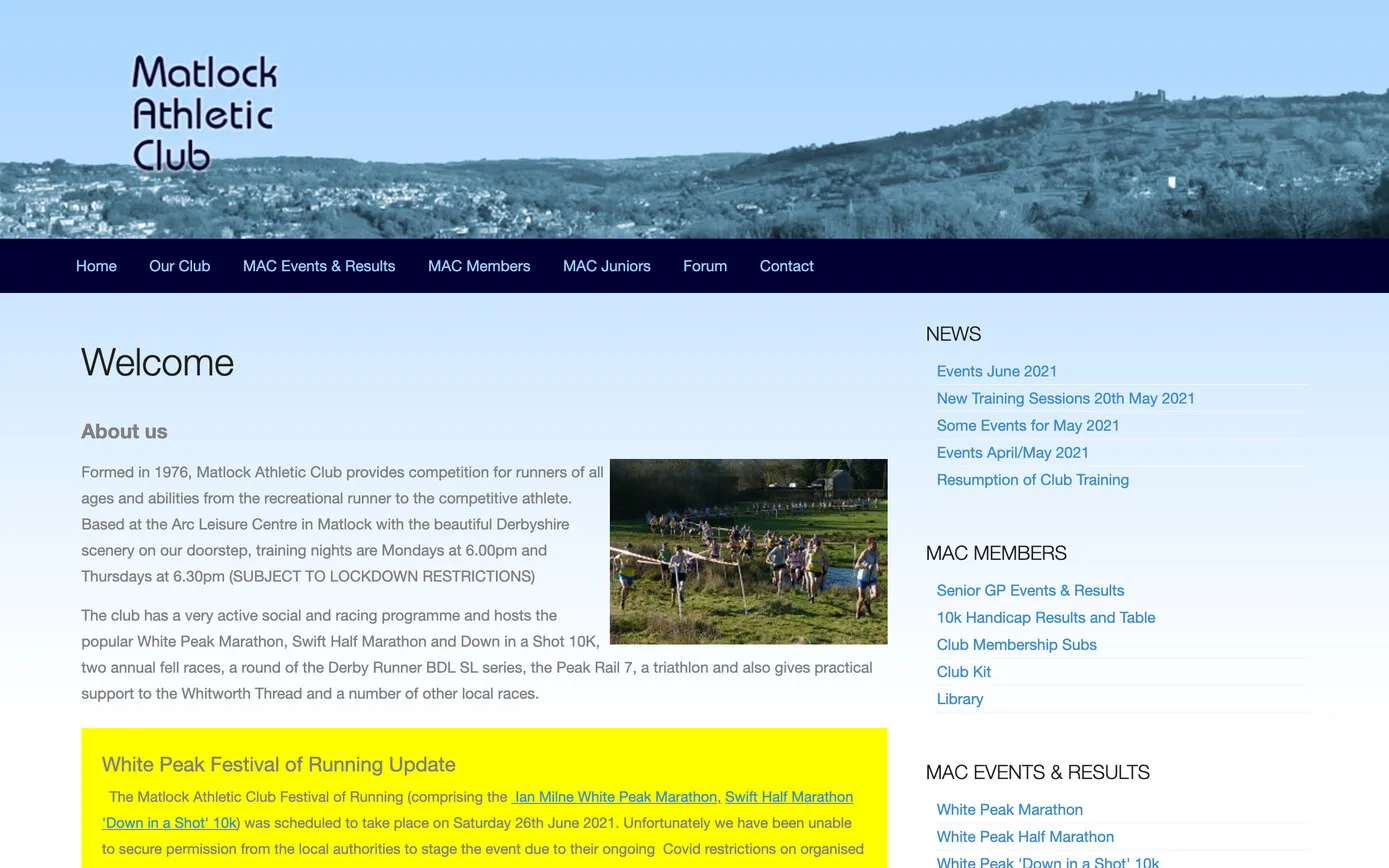
A new header on the same layout, with long lists of links.
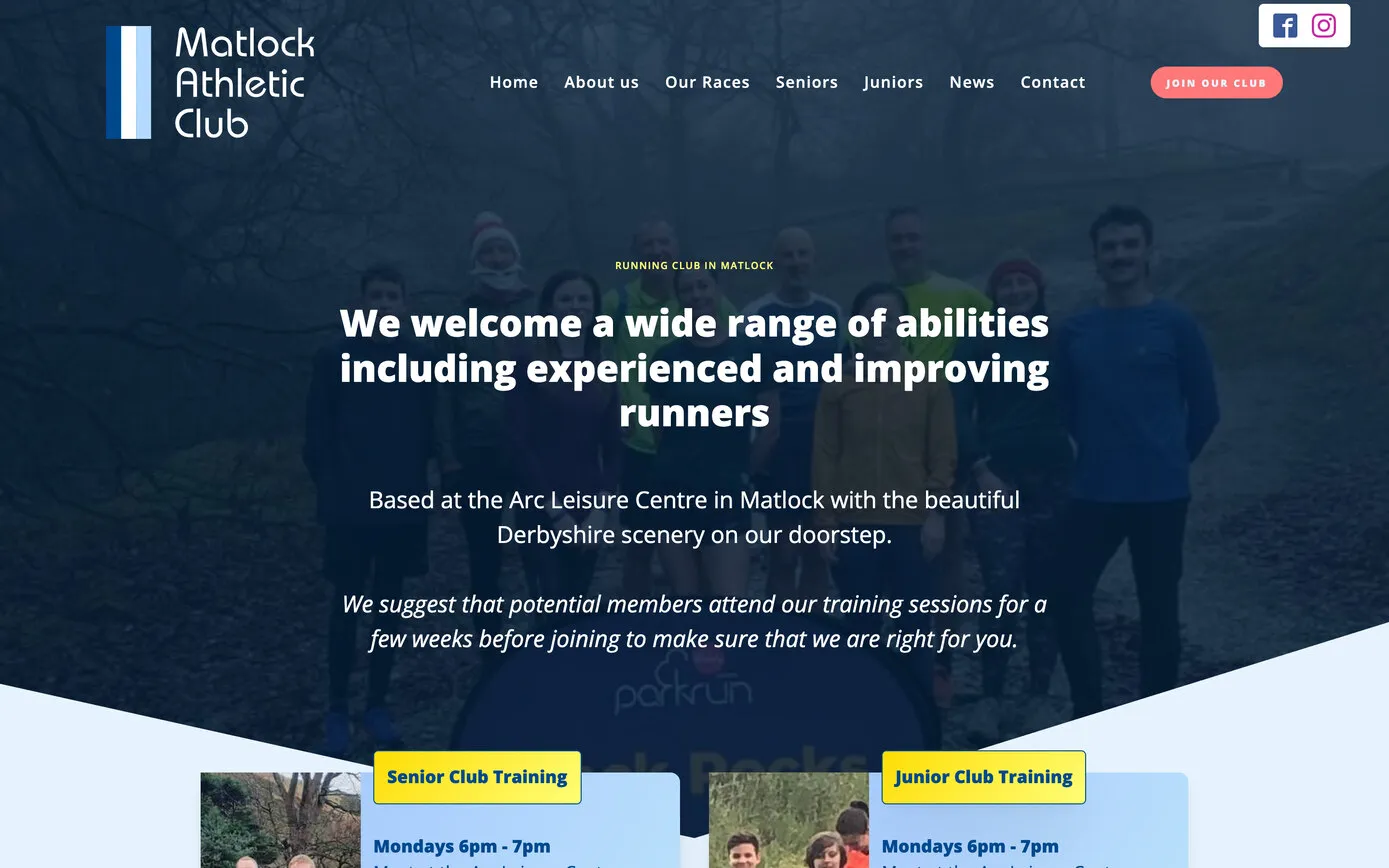
WordPress, laid out in the Oxygen page builder, with training and events from Google Sheets.
A fresh design, the club’s own photos, and the regular updates taken out of the page builder.
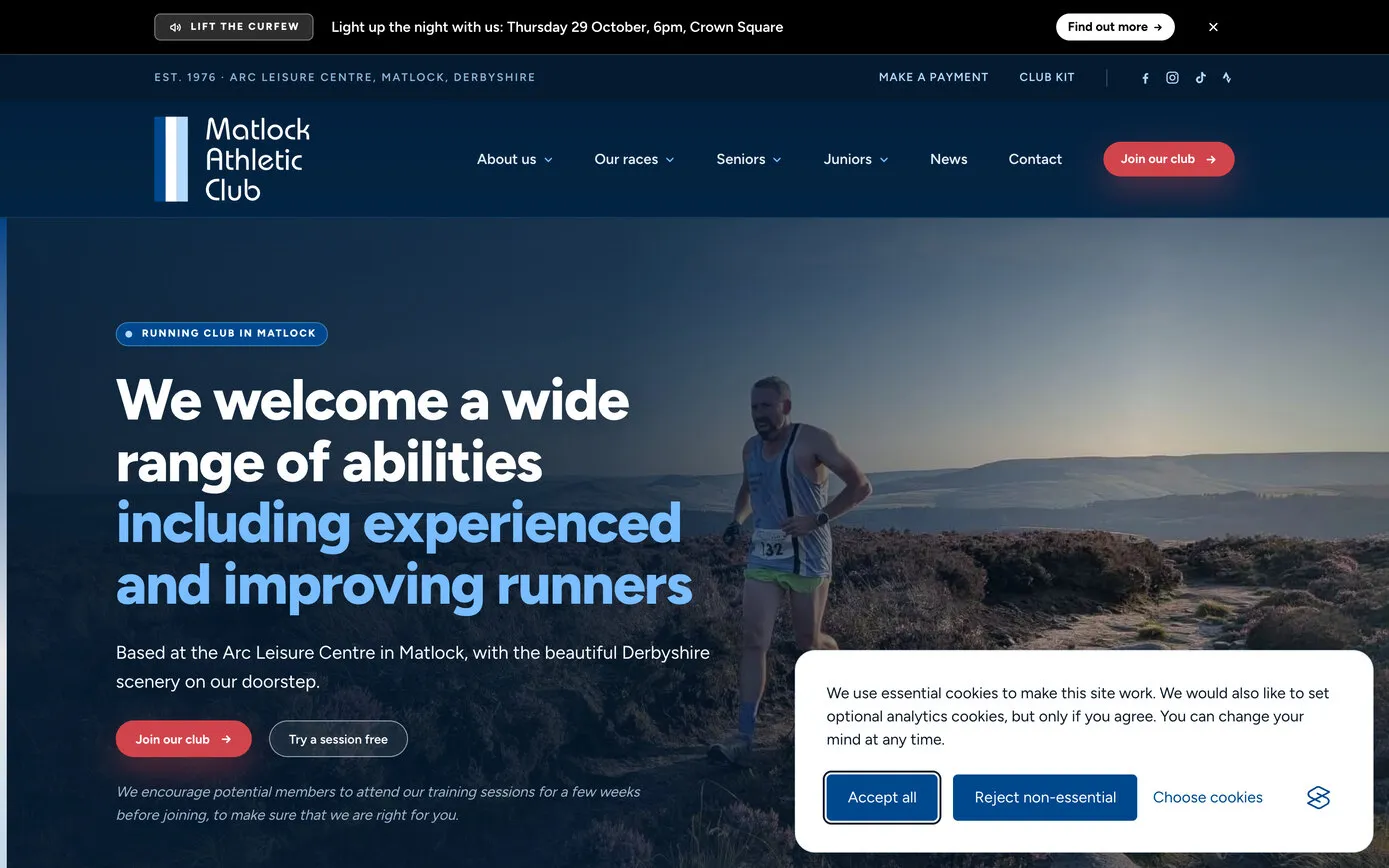
2015 and 2021 from the Internet Archive’s Wayback Machine. 2022 from a copy of the site saved before the rebuild.
The new design keeps the club’s navy and sky blue, with red for the things to click. Every page leads with the club’s own photos, and the home page picks its photo at random from a set the committee choose, so regular visitors see a different one each time.
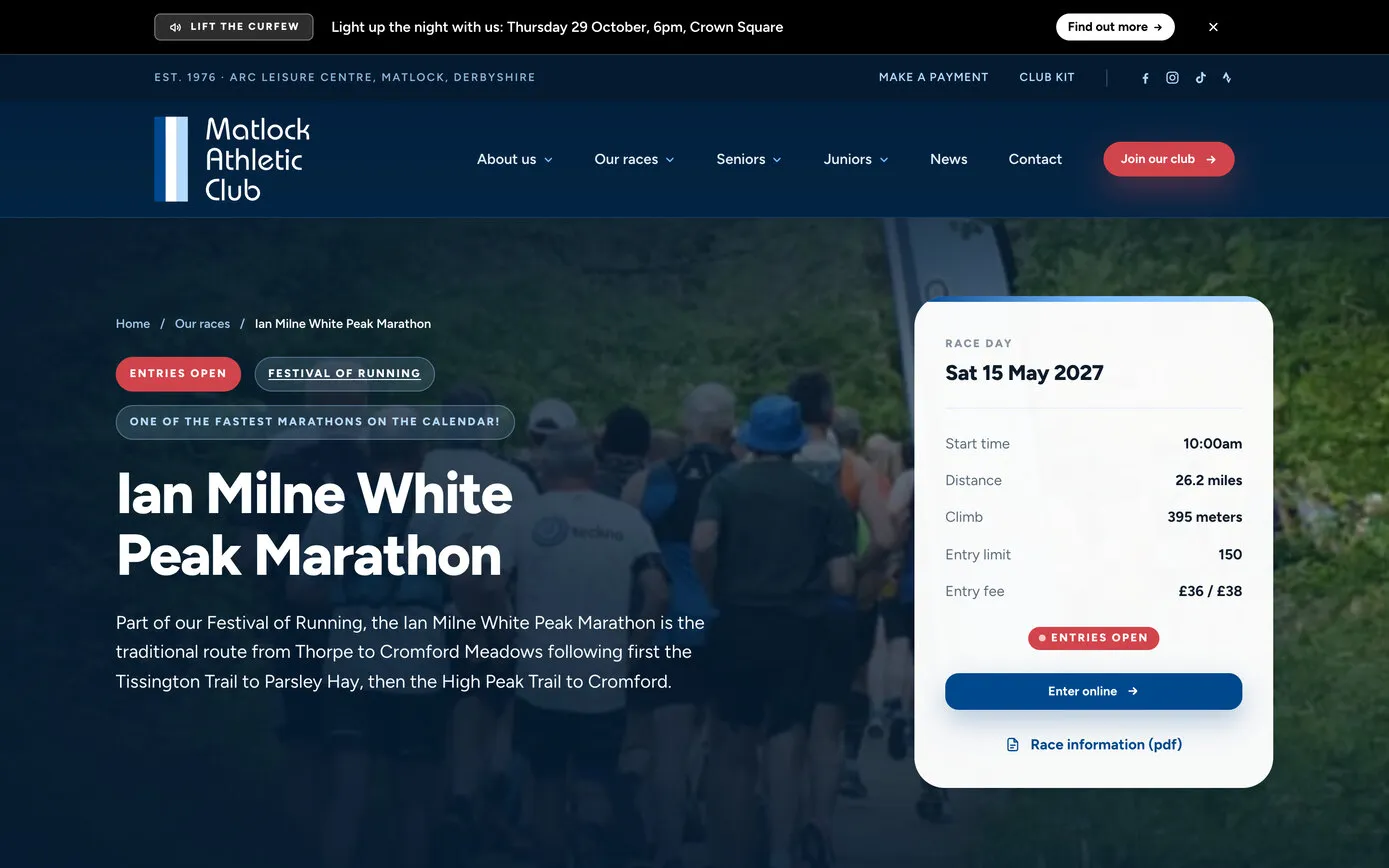
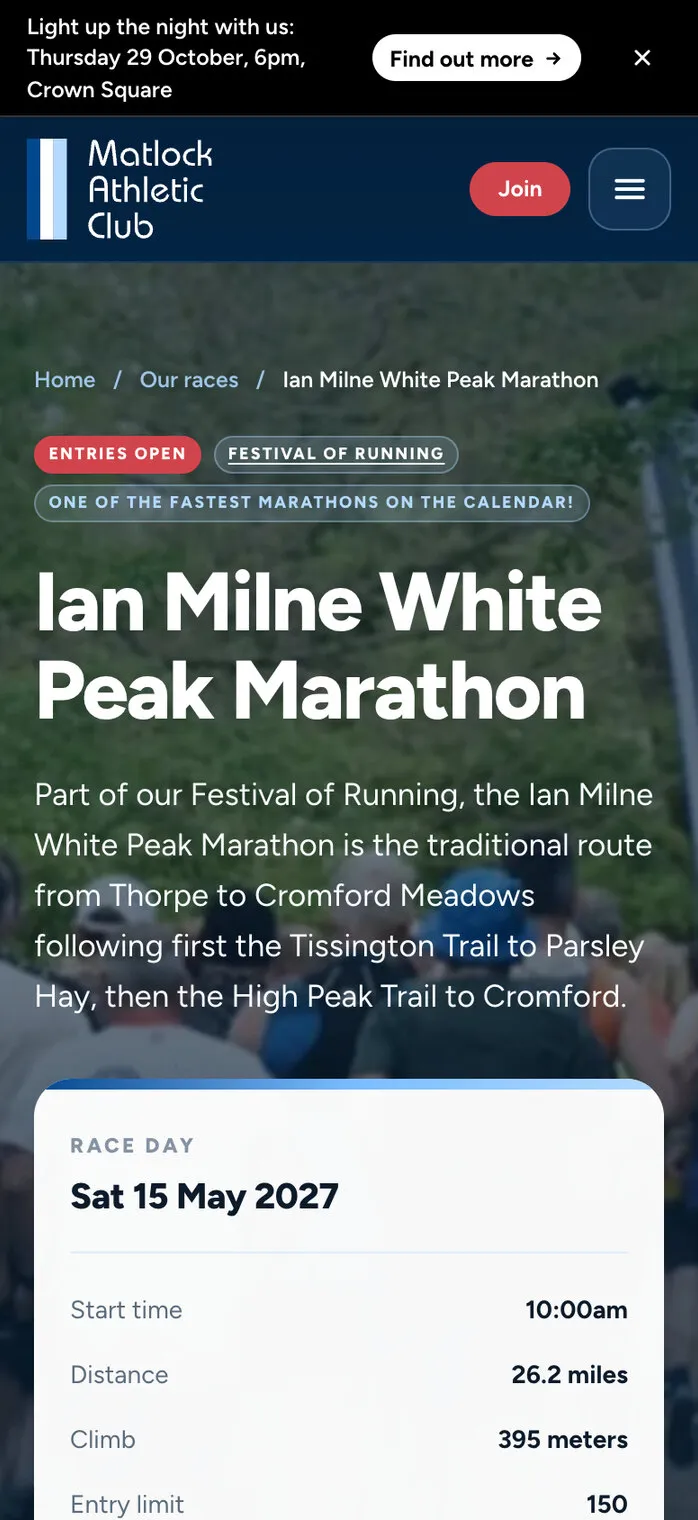
Race pages put the facts first: a race-day box with the date, start time, distance, climb and entry limit, a yellow “Need to know” panel nobody can miss, and the race’s own news underneath. That carries on an idea from the 2022 site, short boxes of race details instead of long documents, which went down well with the Festival of Running’s race team:
The website is fantastic and especially for me, I love the Race Details boxes.
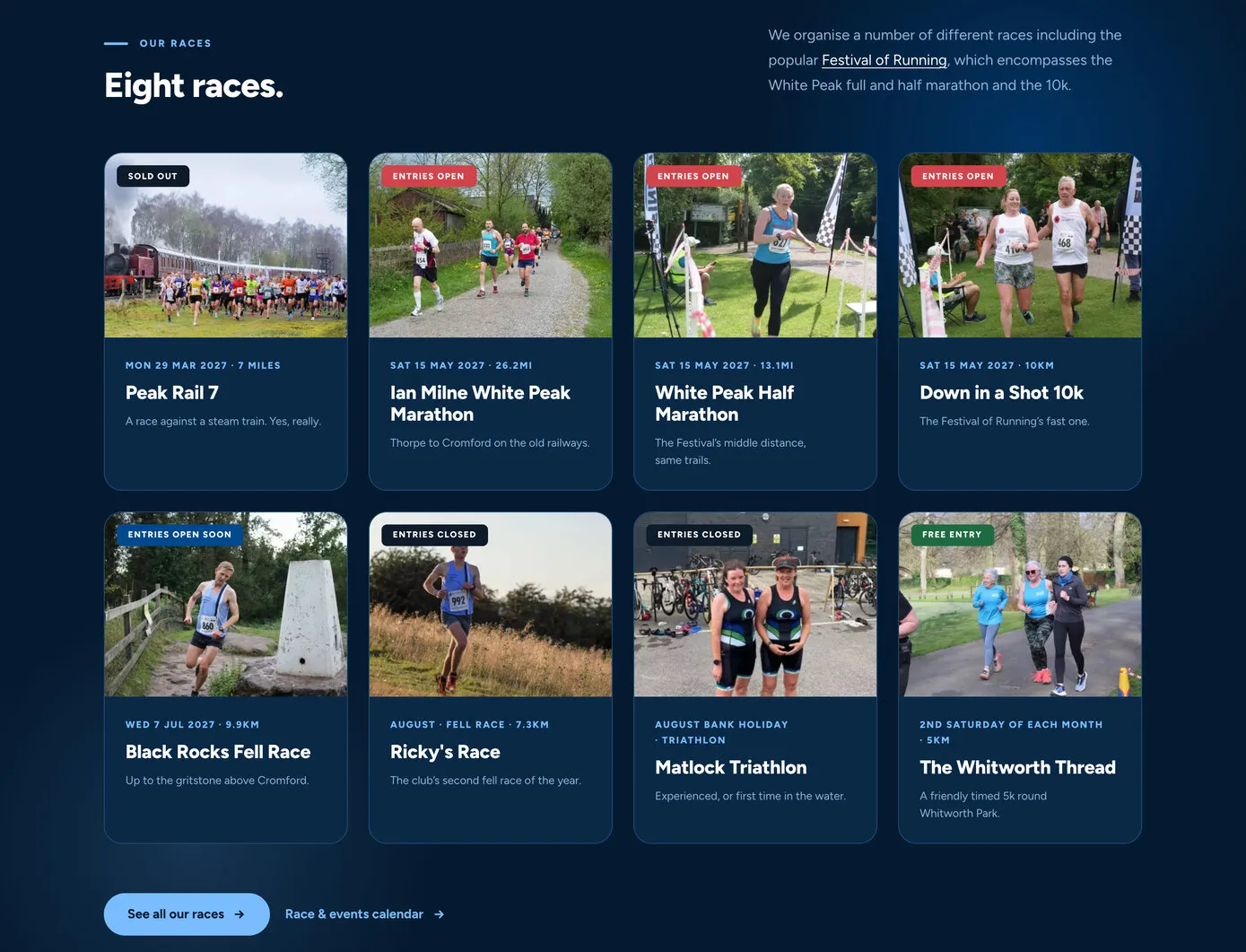
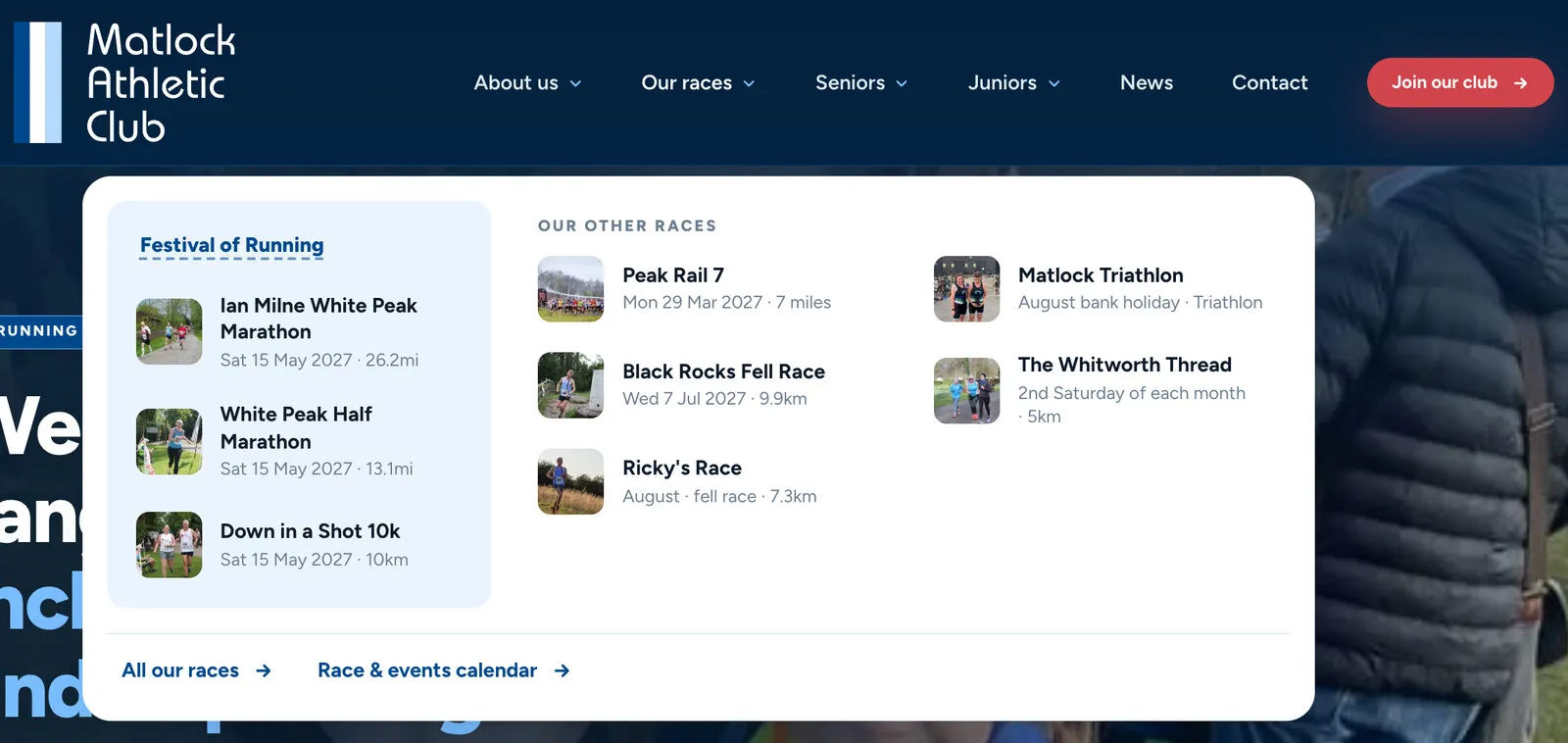
The Our races menu shows all eight races with their photos and dates, the Festival’s three grouped together. There’s a history of the club’s 50 years, told year by year, and on a phone the menu carries exactly the same links as on a computer, in the same order.
Most of what changes on a club website changes every week: training, events, notices, results. So the rebuild started from two questions. What does each volunteer actually need to change? And what’s the least they need to learn to change it?
The answer is four lanes. Nobody needs to know which page anything is on, and nobody touches the design.
Training plans, the events calendar, the junior coaching rota, the kit swap and the Whitworth Thread’s charity donations. If you can use a spreadsheet, you can update the website without logging in to it.
Members send in race reports and results with their photos. Editors write news posts on a page of the website, not in the admin area.
Things that change a few times a year live on one Club settings page, in tabs: the notice bar, home page photos, membership fees, payments, fixtures and the 10k handicap.
The next training session, race dates, finished fixtures, countdowns and out-of-date notices look after themselves.
Nobody likes logging in to an admin area, so the training schedules have never needed one. Each is a Google Sheet that belongs to the club’s Google account and is shared with the volunteers who keep it. Type in a row, and the website picks it up by itself within half an hour, laid out as a table in the club’s style.
It has worked since 2022, so the rebuild kept it on purpose. Nine sheets feed the website now, and the editors’ manual has a button to open each one. The chair’s description, from that first year:
There’s a really simple Google sheet in the background that you complete, so you don’t need to be techie.
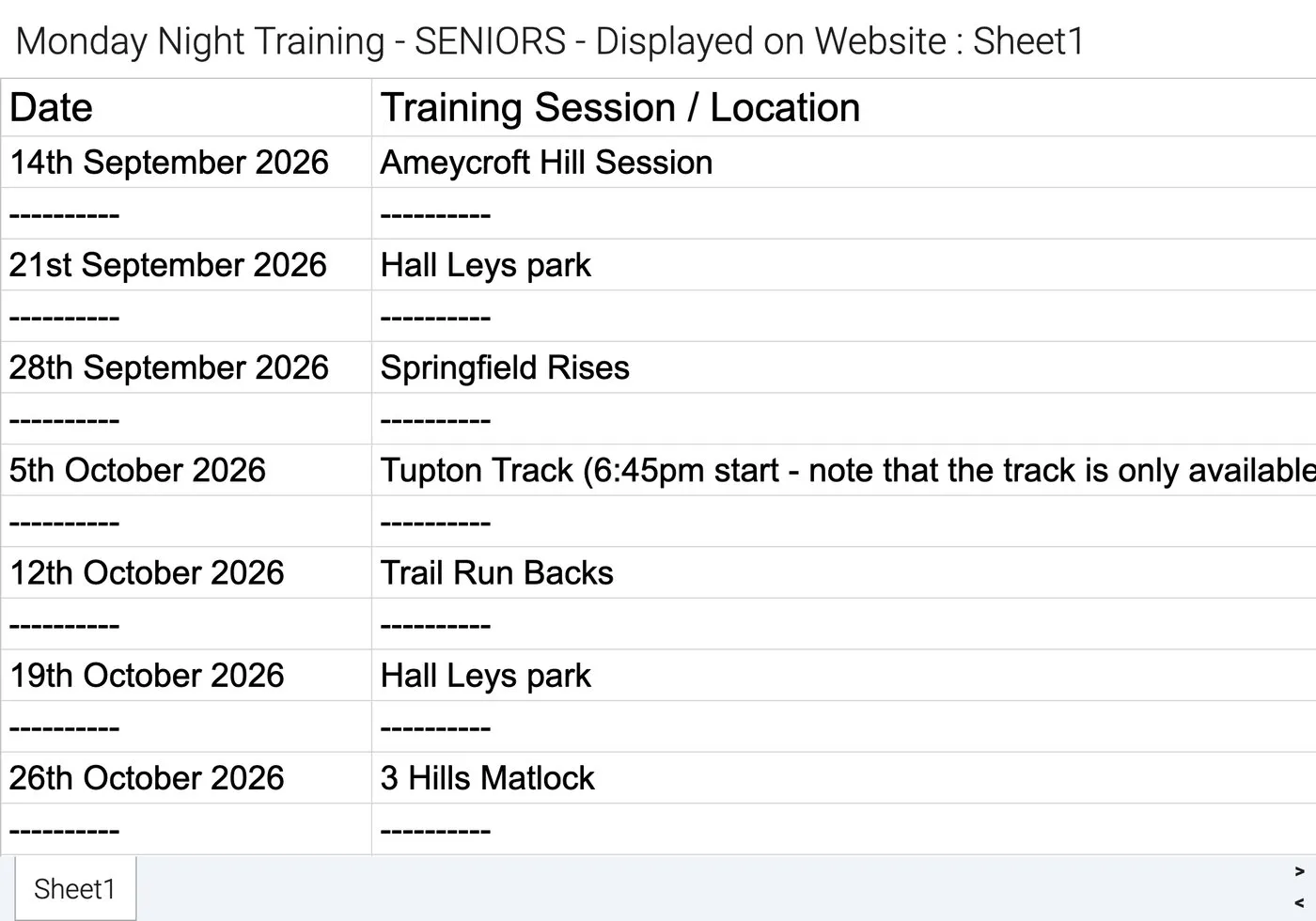
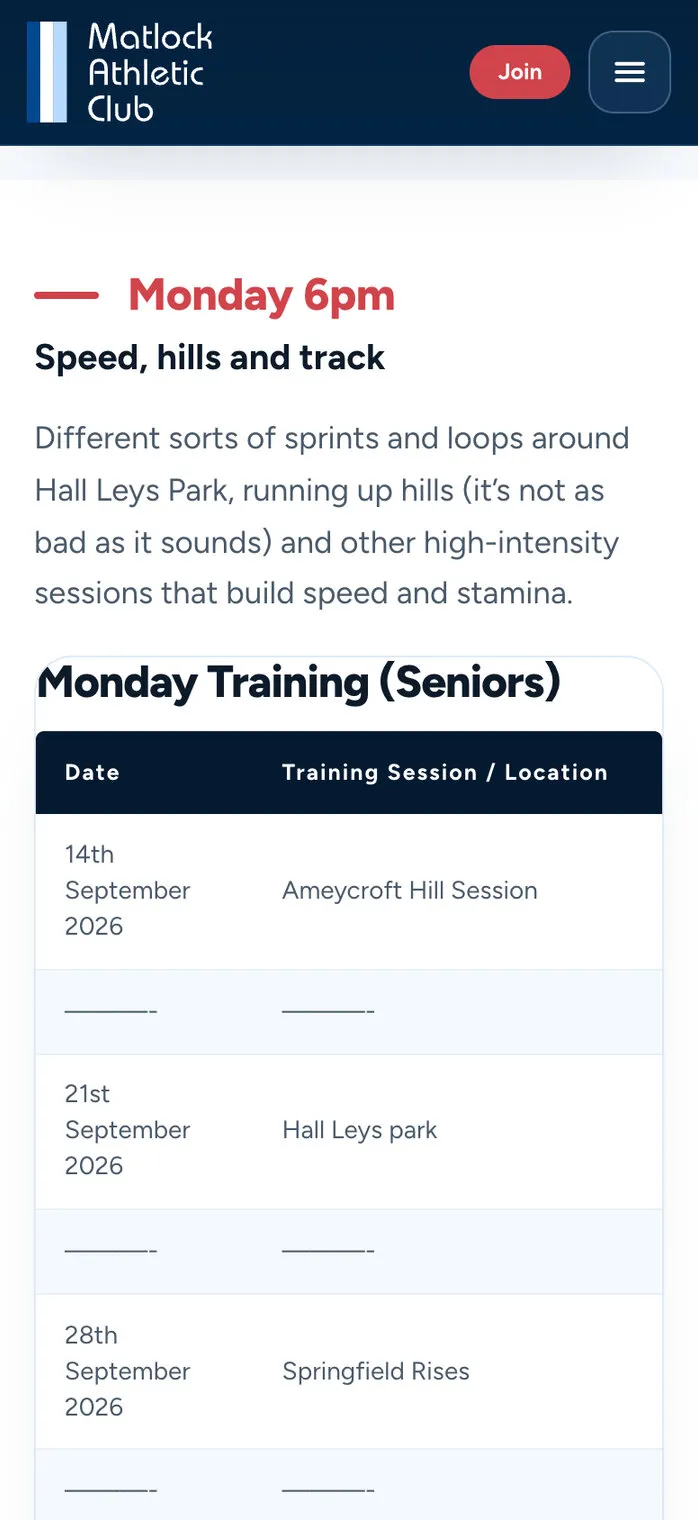
| Google Sheet | What’s in it | Where it shows |
|---|---|---|
| Monday training | The session or meeting place for every Monday, planned months ahead, including the monthly track night | Senior training |
| Wednesday training | Each Wednesday’s session | Senior training |
| Thursday training | Groups A, B and C, with each group’s route, distance and run leader, and the six 10k handicap races | Senior training |
| Junior coaching rota | Which coaches lead each junior group on each Monday | Junior training |
| Running events | Races members might enter, with the distance and the minimum age for juniors | Race and events calendar |
| Junior running events | Junior races, with a tick for each league or series they count towards | Junior events and race calendar |
| Junior Grand Prix | The juniors’ race series | Junior Grand Prix |
| Junior kit swap | Second-hand kit to swap: what it is, the size and the details | Junior kit swap |
| Whitworth Thread donations | Each month’s collection at the club’s monthly 5k and the charity it went to | Whitworth Thread charity donations |
News is the busiest part of the site, about three posts a week: race results, parkrun round-ups, socials and club notices. Two forms on the website now do most of the work.
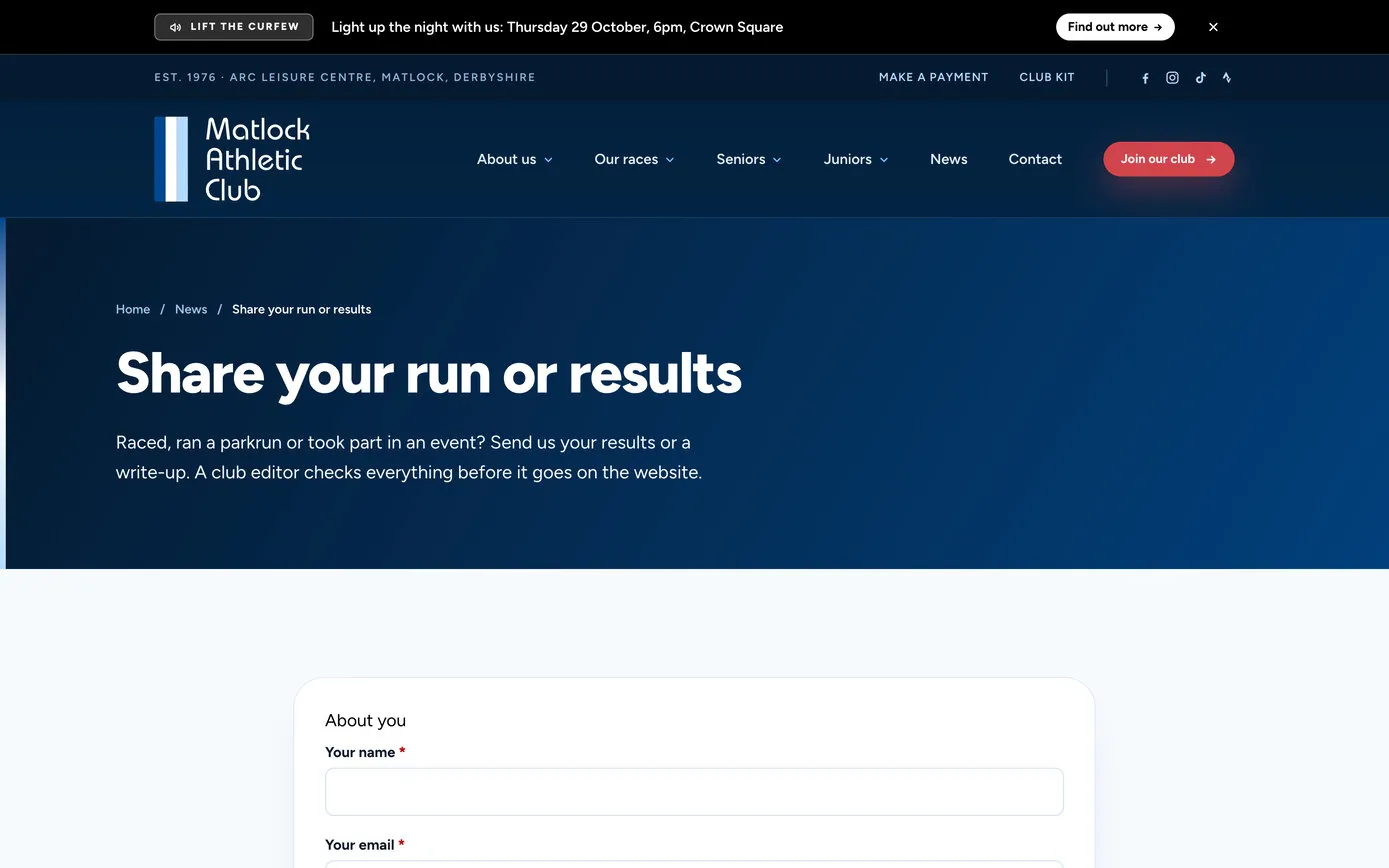
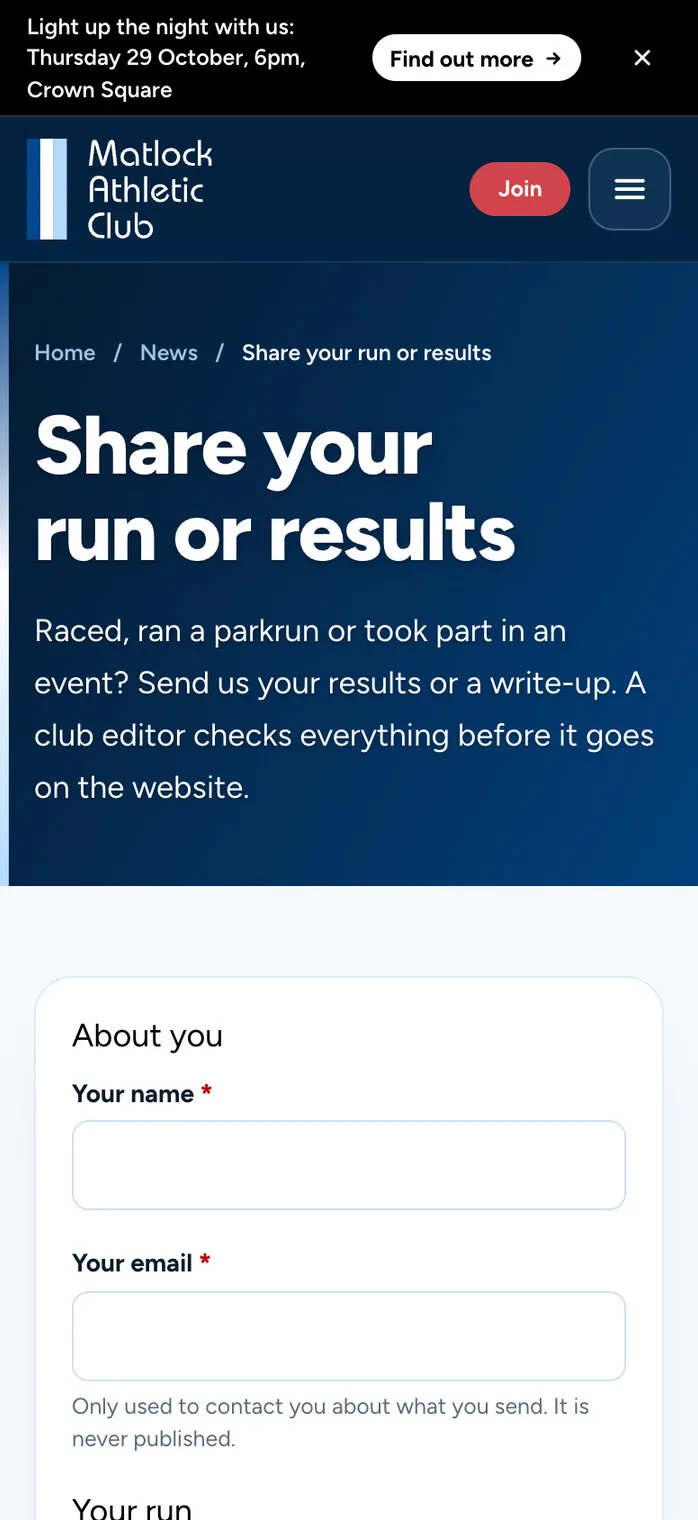
Share your run or results is for members. They say what they ran and when, give it a title, write it up or paste in the results, and add their photos, which shrink on their own phone or computer before they upload, so even big photos send quickly. It arrives as a news post waiting to be published, with their name as the byline. Every editor’s dashboard lists the posts waiting, the Posts menu shows how many, like a count of new comments, and nothing goes live until an editor has checked it.
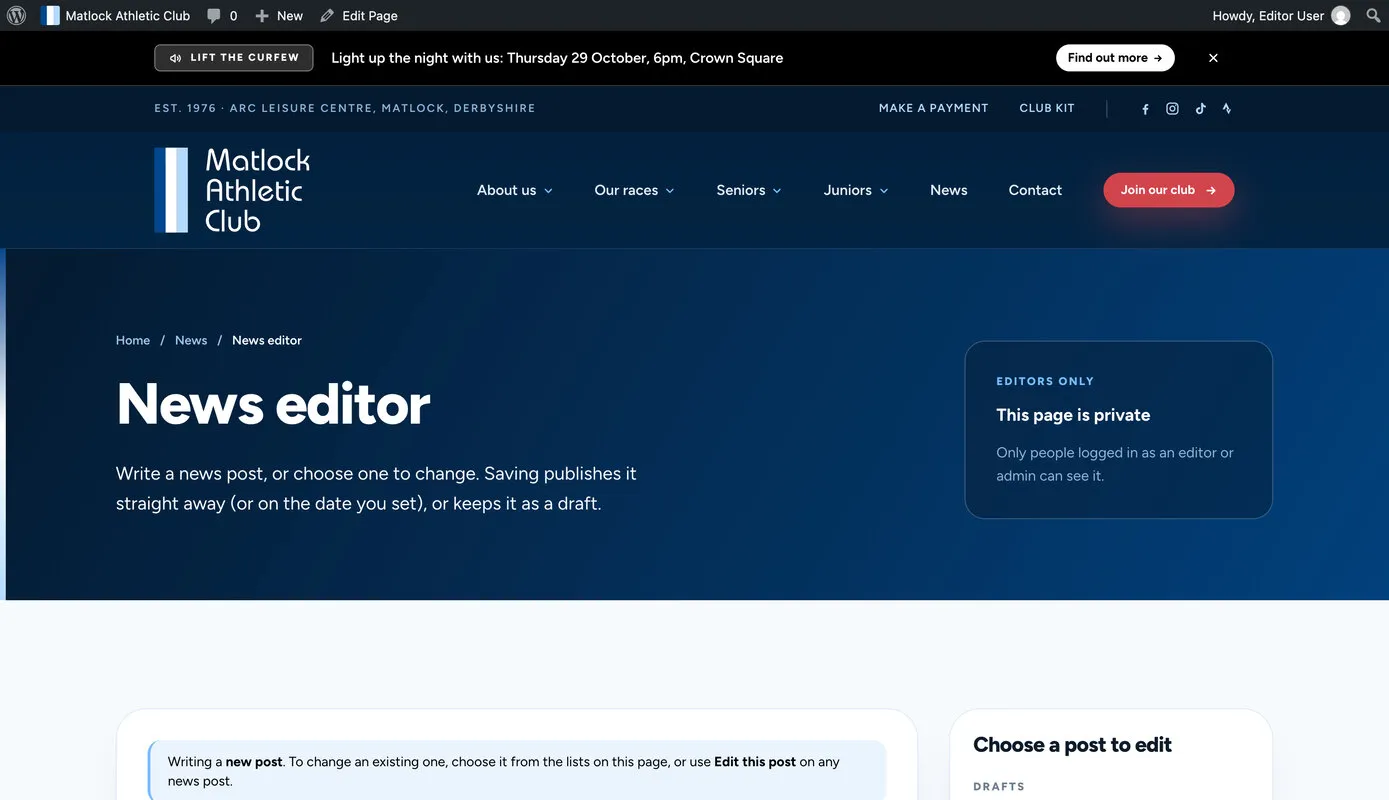
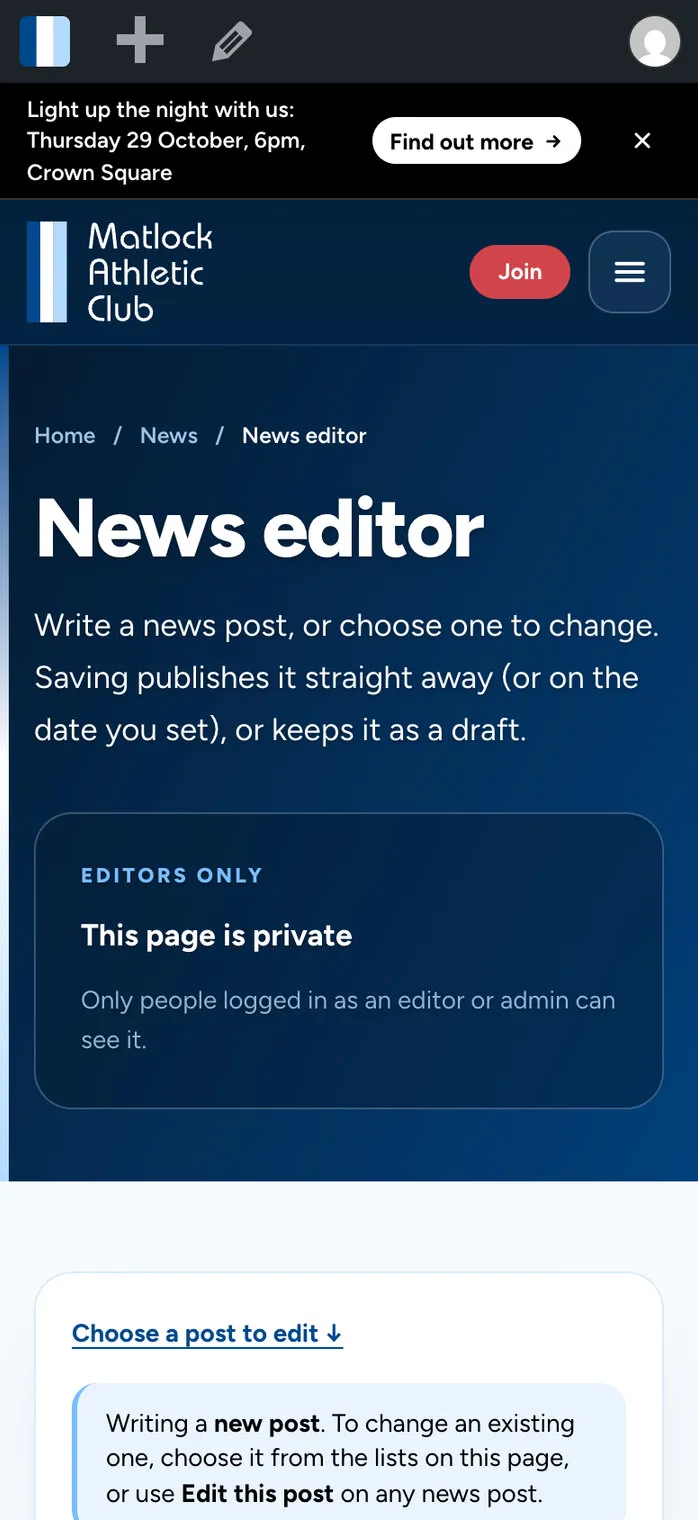
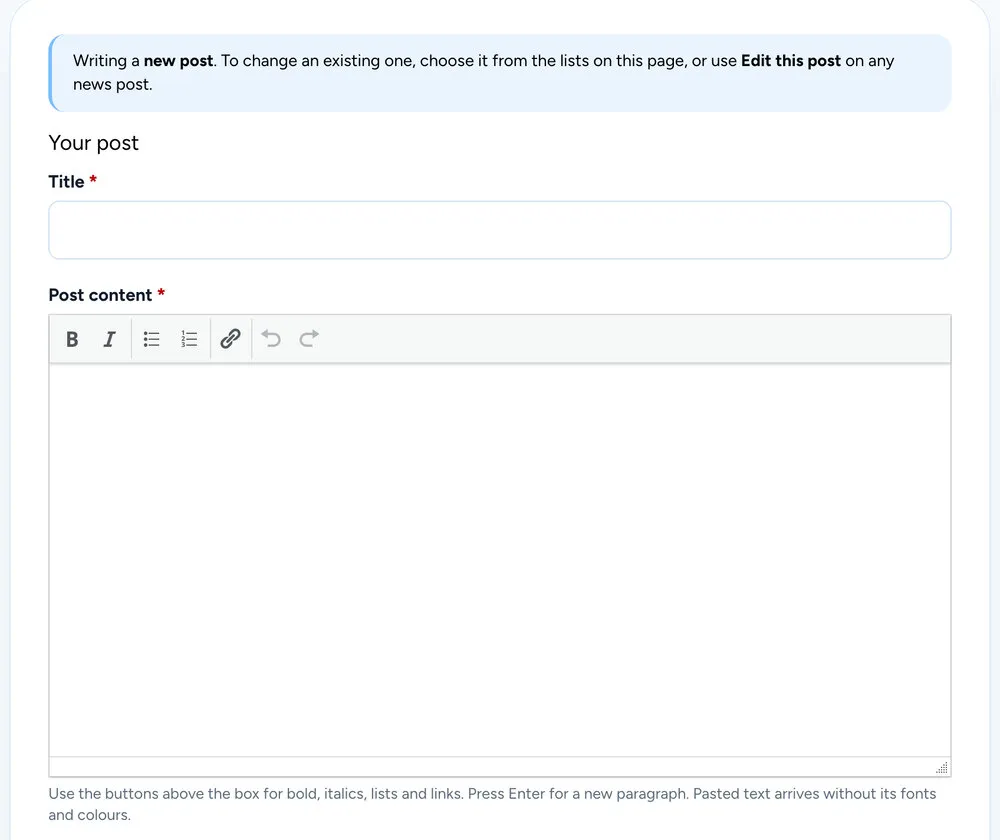
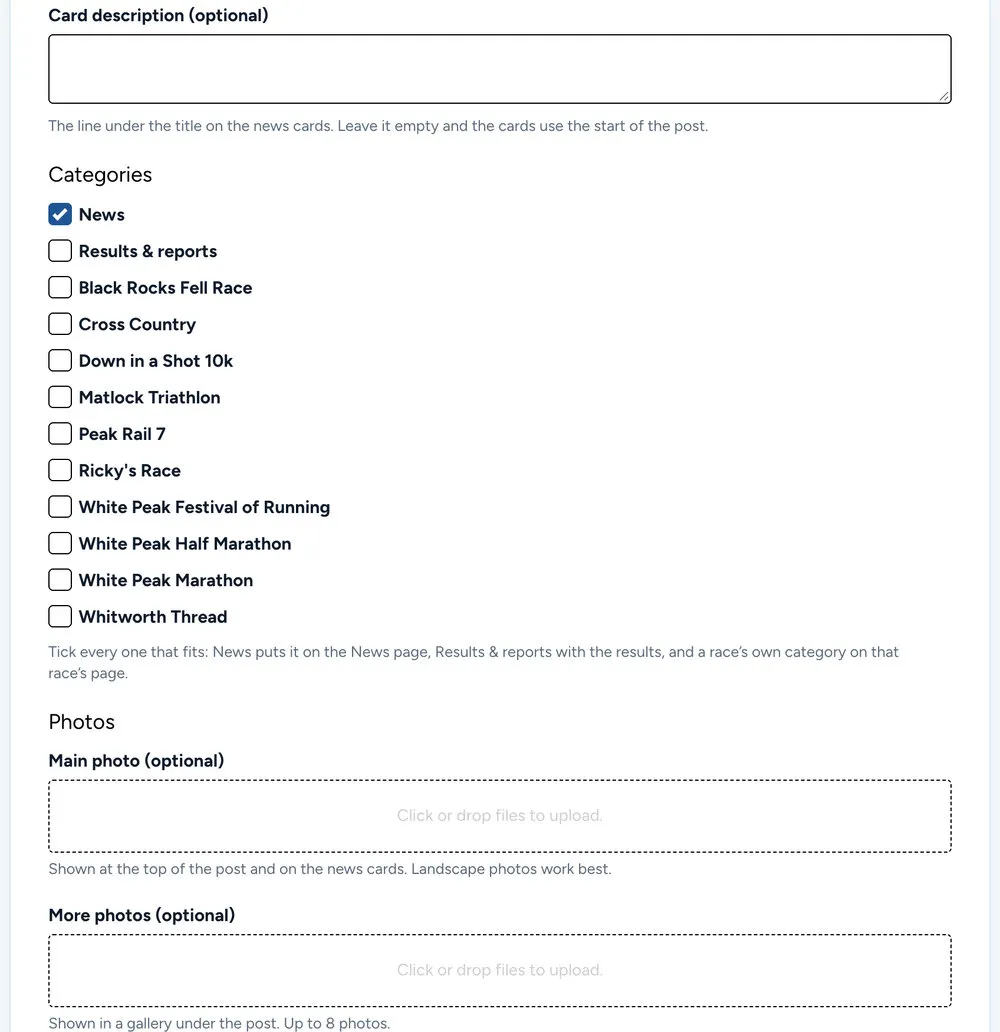
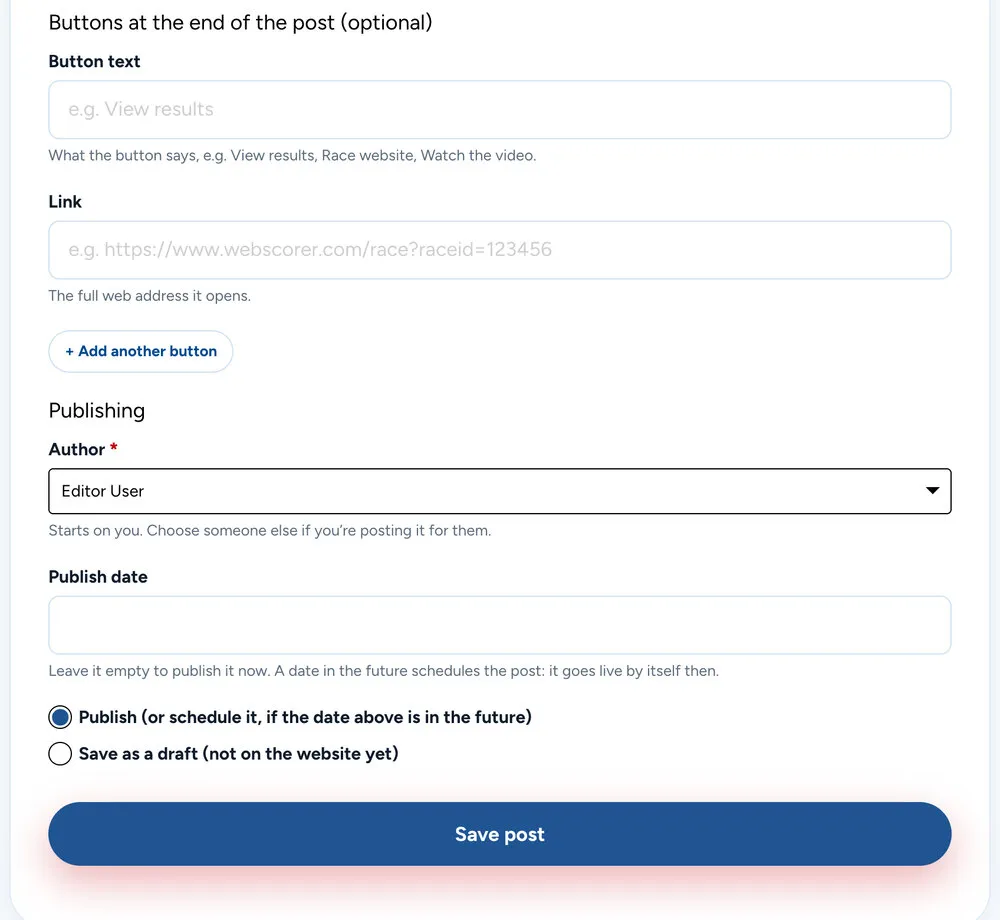
The News editor is for the committee: a private page on the website with a simple form. A title, the text with a short toolbar, categories to tick, a main photo and a gallery, buttons for the end of the post if it needs them, and then publish now, schedule it or save a draft. Pasted text arrives without stray fonts and colours, so every post looks like the club’s.
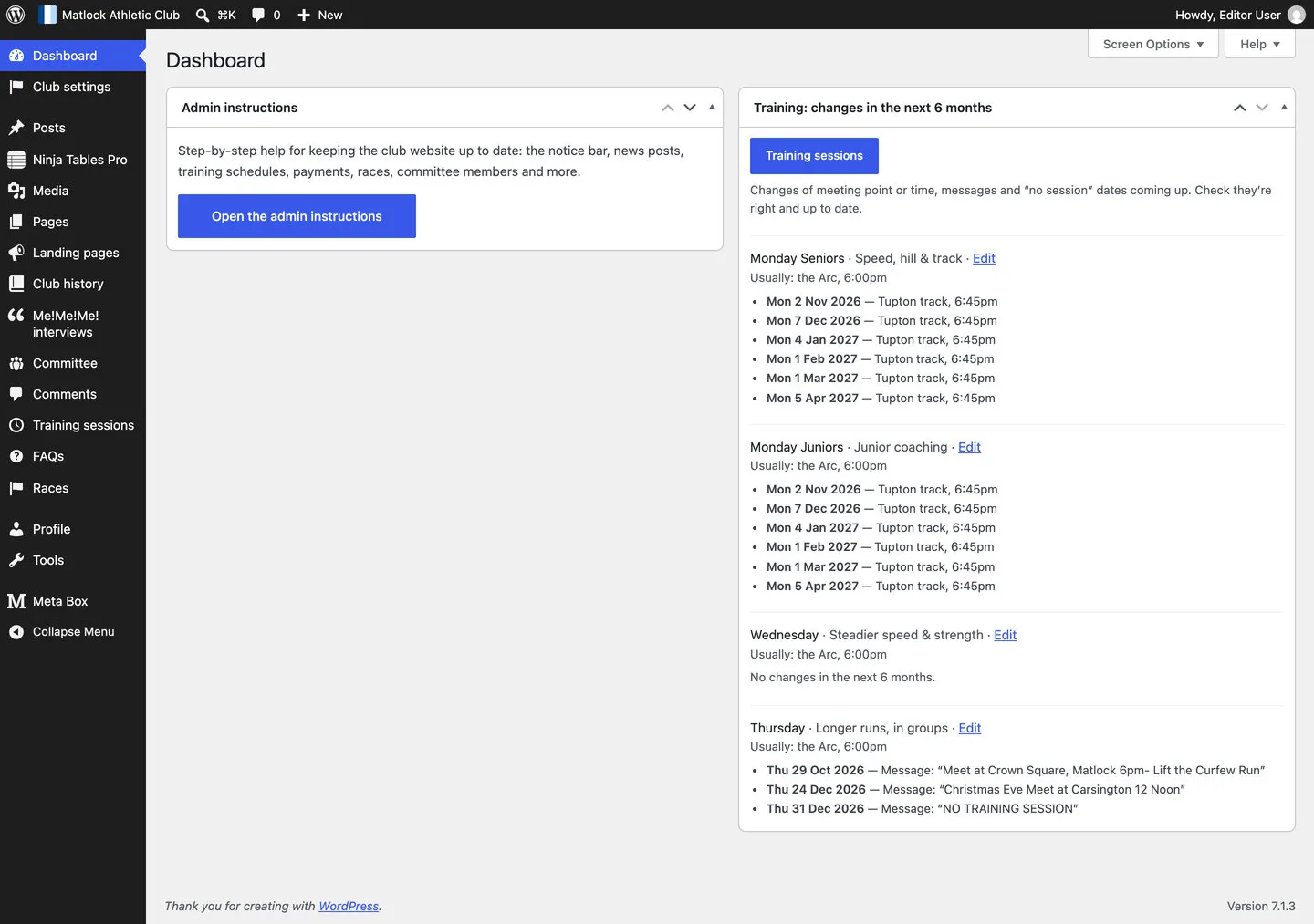
When an editor does log in, the dashboard has just two boxes. One opens the editors’ manual. The other lists every change to training in the next six months, from track nights to Christmas Eve, so it’s easy to check they’re right.
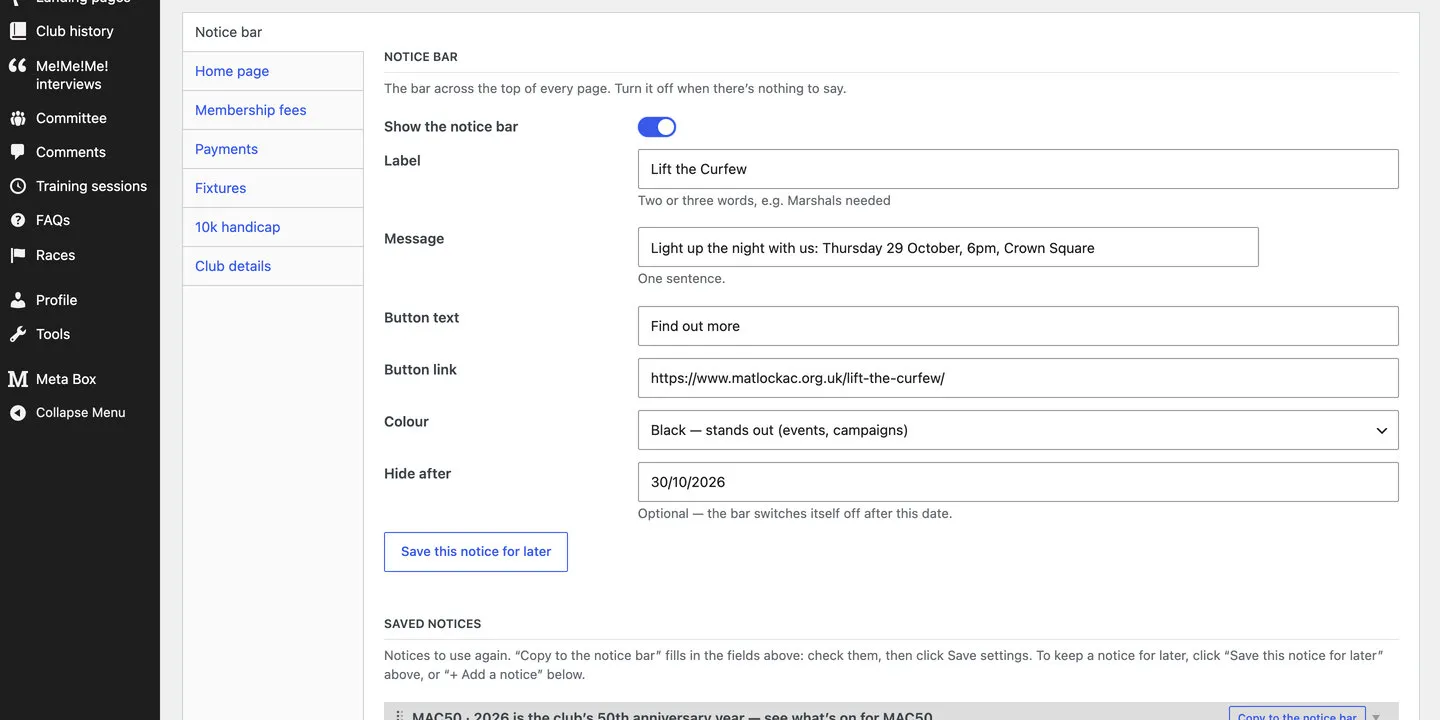
Club settings holds the things that change a few times a year. The notice bar is a label, a sentence, a button and a colour, with an end date if it needs one. Membership fees are typed in once, and every page that shows them follows. In 2023, changing a fee in a table meant emailing us; now there’s one place to look, and editors do it themselves. Each training session has its own short form too: day, time, meeting point and any changes on particular dates.
The manual is a private page on the website, written for the club: 27 short topics, from the notice bar to the 10k handicap, a grid of the jobs editors do most, and a button to open each Google Sheet. Editors can also make simple pages of their own at matlockac.org.uk/go/, for posters and QR codes, from ready-made sections in the club’s colours.
The best features are the ones nobody has to think about. These are the small pieces of code that keep the site right without anyone remembering to do anything.
Every one is listed in a code map inside the admin area, saying what it does and where to change it, so whoever looks after the site in future can find it.
Under the home page’s first screen: the next senior and junior session, with the day, time, what it is and where to meet. It moves on as soon as a session starts, even when the page comes from a cache.
AutomaticA track night, an away run, Christmas Eve: each session keeps a list of dated changes, which show on that day only. “No session” skips to the next one.
Training sessionsOne line across the top of every page, with a button, in the colour that suits it. Give it an end date and it switches itself off once that day has passed.
Club settingsFive seconds after someone arrives, the notice pops up as a card in the corner, once. It waits until they’ve answered the cookie banner, and stays away if they’ve closed the bar.
AutomaticNotices the club uses again are kept in a list and copied back into the bar with a button. A notice that comes back shows to everyone again, even people who closed it last time.
Club settingsClick Monday, Wednesday or Thursday on the home page and the training page opens, then glides down to that night, finding its place even while the schedules are still loading.
AutomaticAdd a race and it appears in the Our races menu and the footer, with its photo, date and distance. Drag the races into a new order and both follow.
RacesOnce race day has passed, the date on a race’s card changes overnight to its usual time of year, so the site never shows a date that’s gone.
AutomaticFell, road and cross-country fixtures, and the MAC50 anniversary events, turn grey with a small “Done” once their date has passed.
AutomaticThe Festival of Running page counts down the days to race day, beside the three distances and the year the marathon began.
AutomaticRace pages show what runners have said about the race, in a slowly moving strip that’s shuffled on every visit.
AutomaticGallery photos open full screen, with arrows, swiping and captions, from a few lines of the site’s own code rather than another plugin.
Built in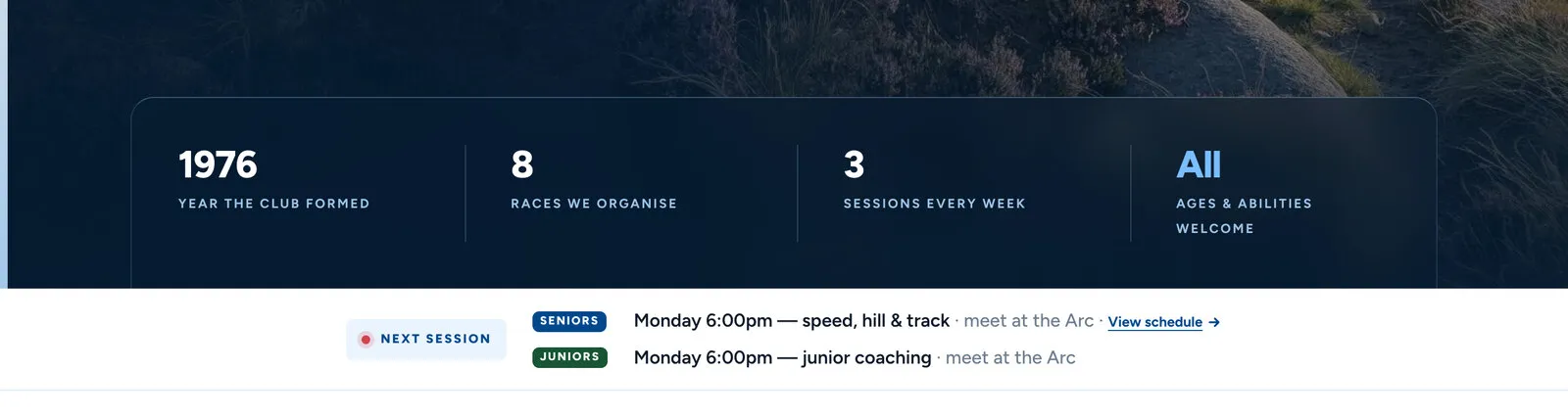
The next-session bar on 9 October, a Friday: Monday’s sessions are next.
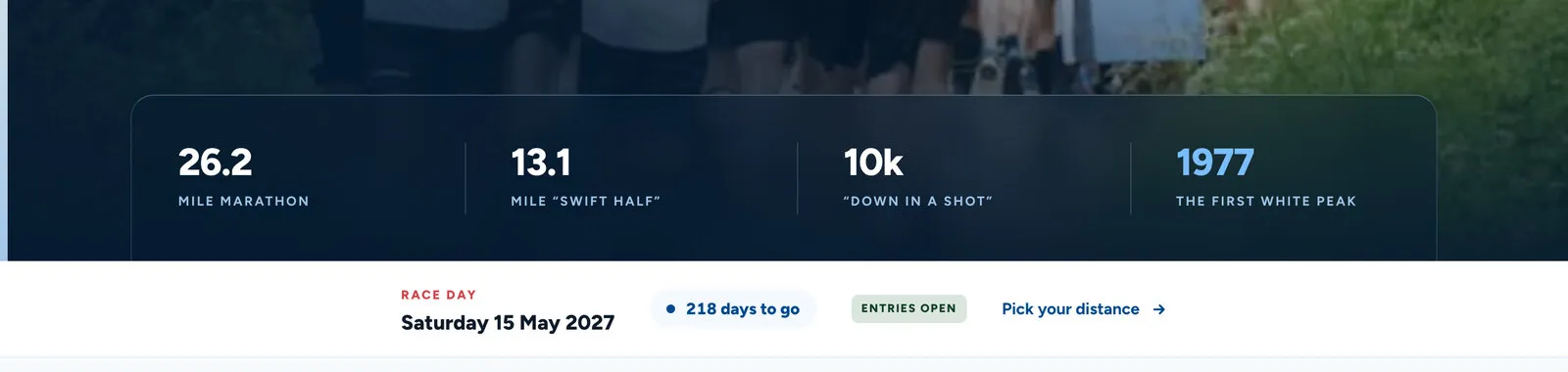
The Festival of Running page counting down to race day.
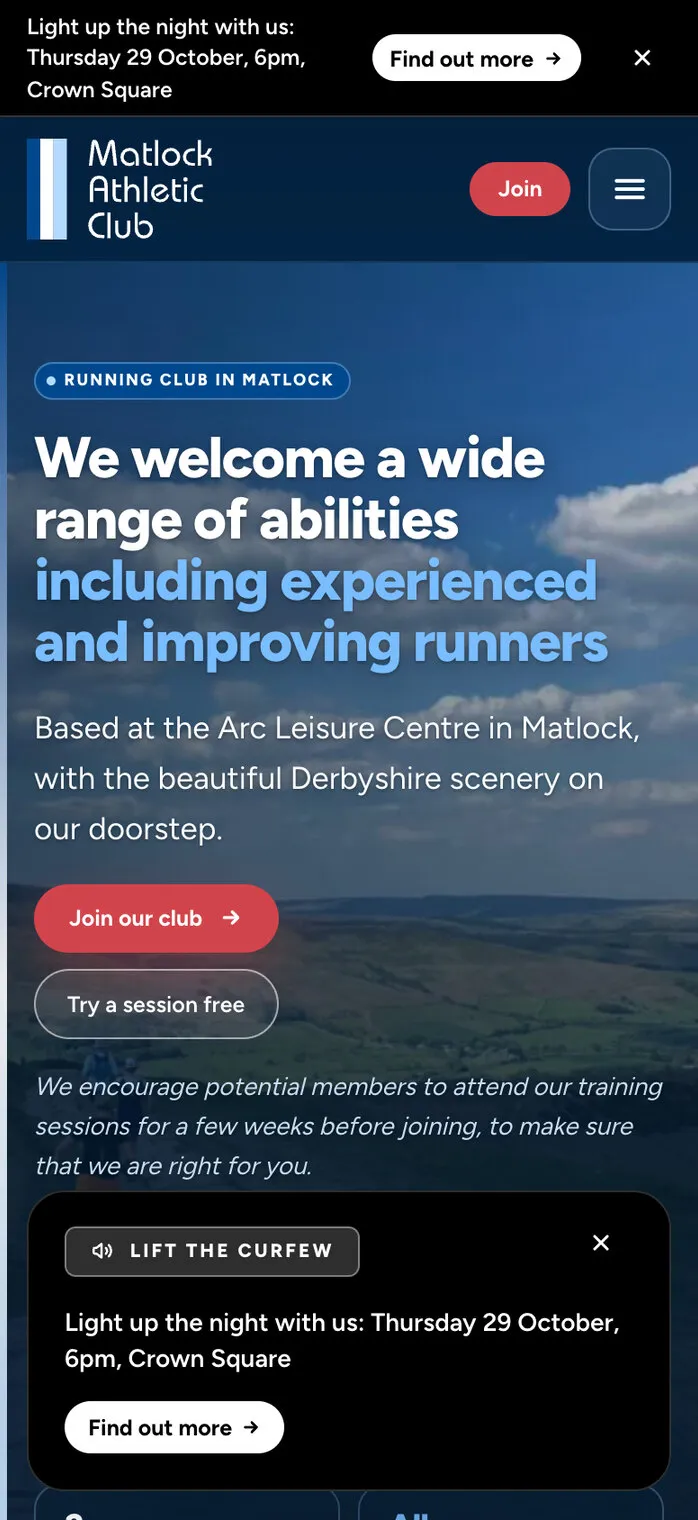
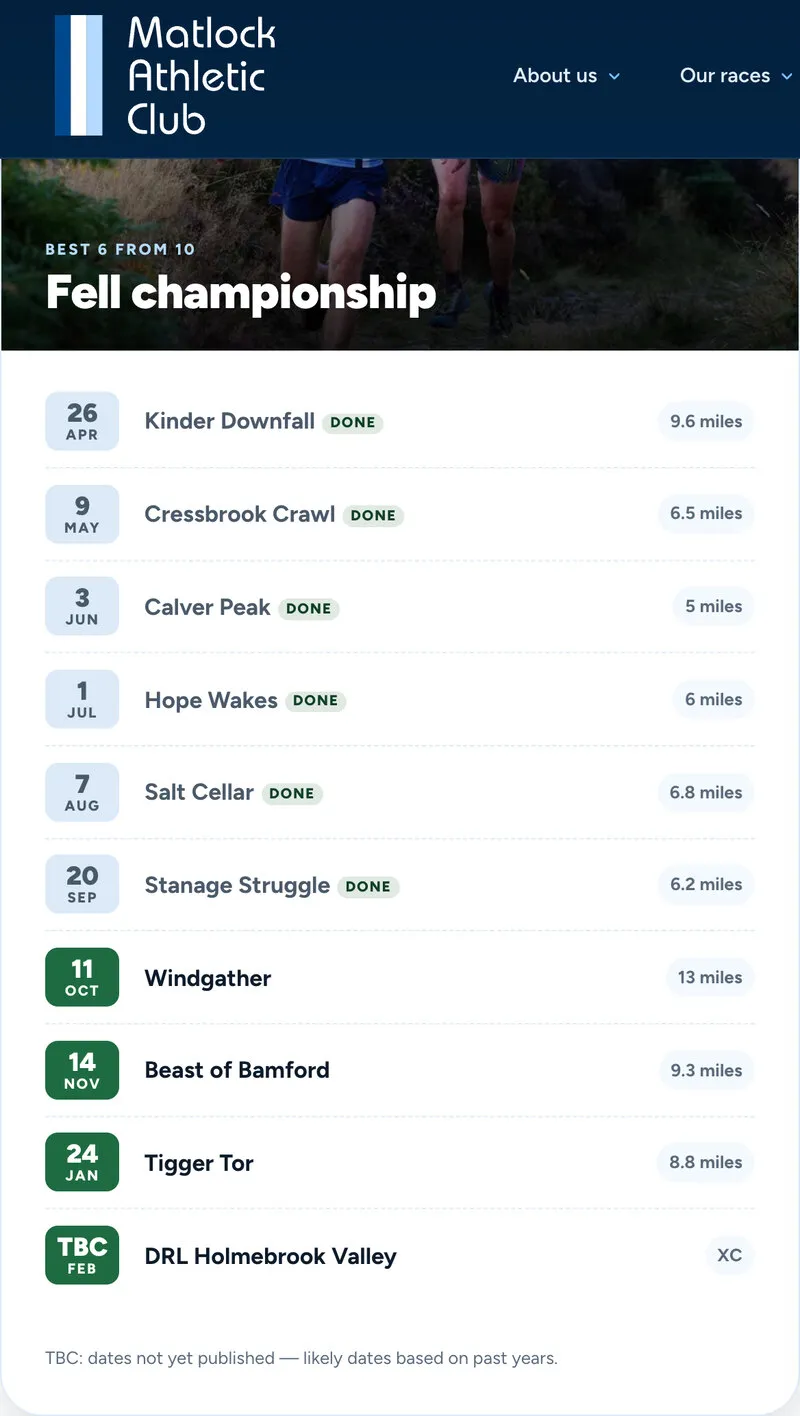
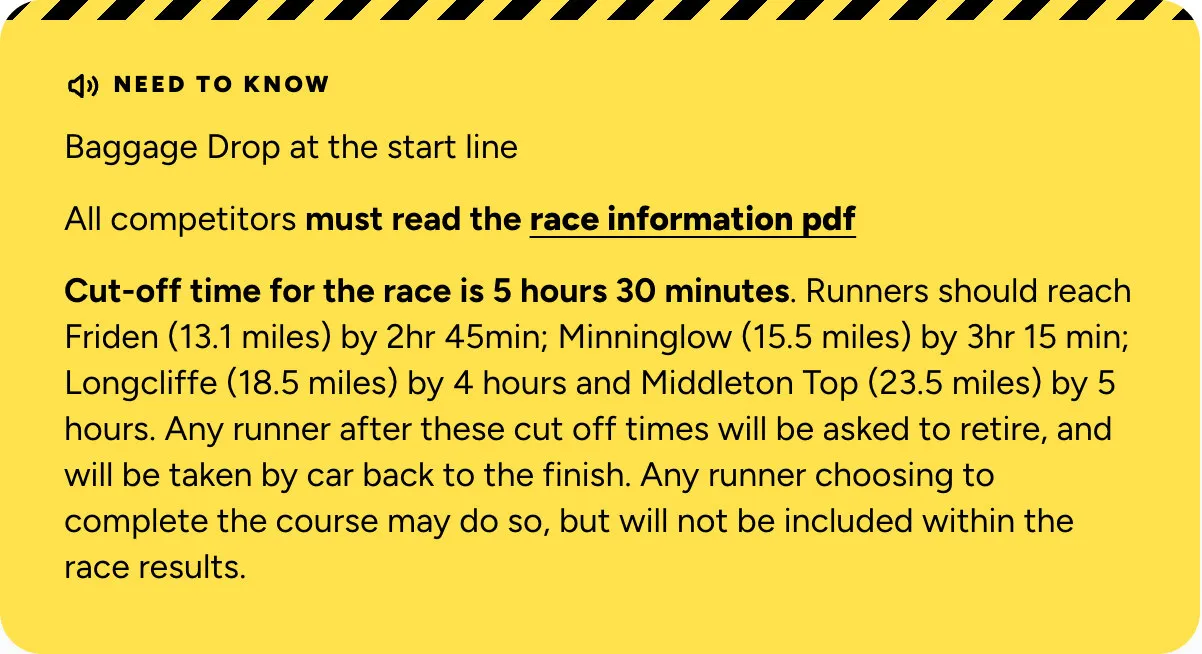
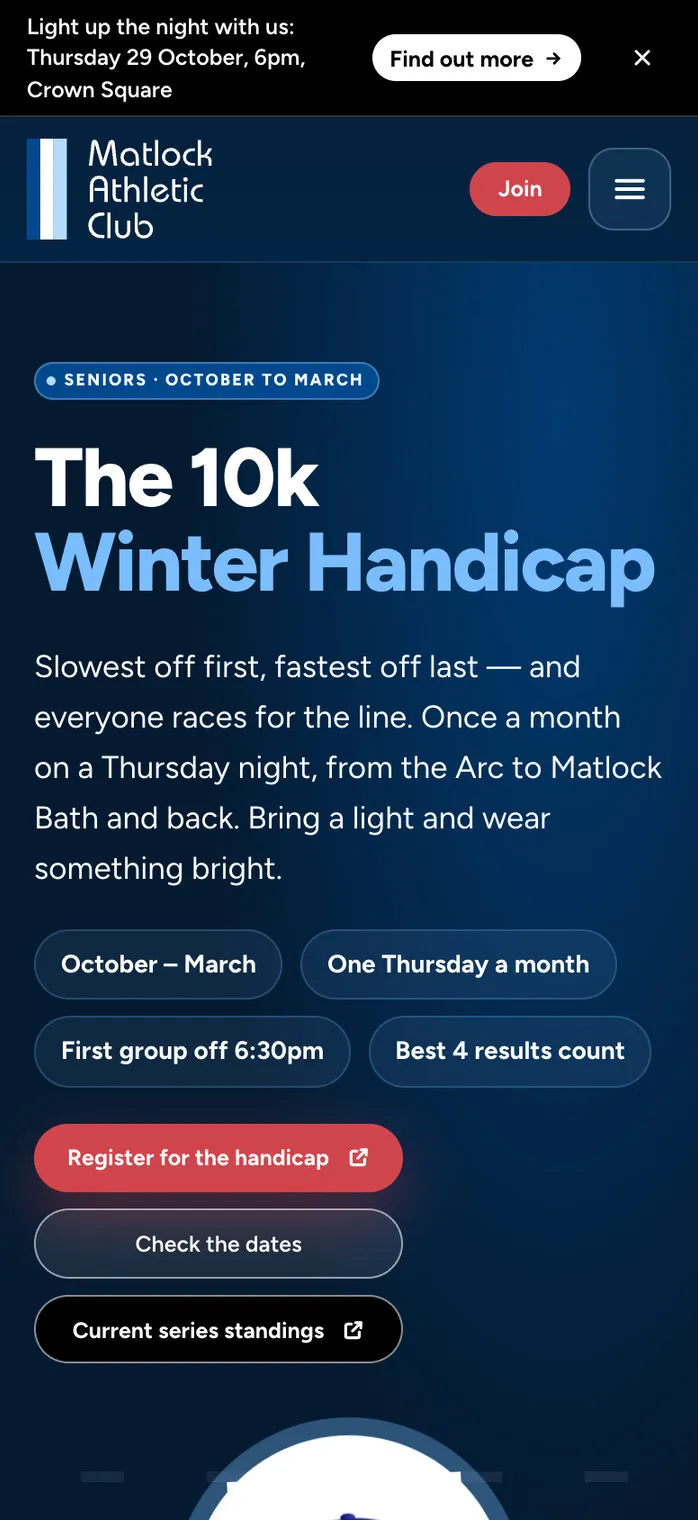
The notice as a card on a phone, the fell championship fixtures ticking themselves off, and a race’s “Need to know” panel.
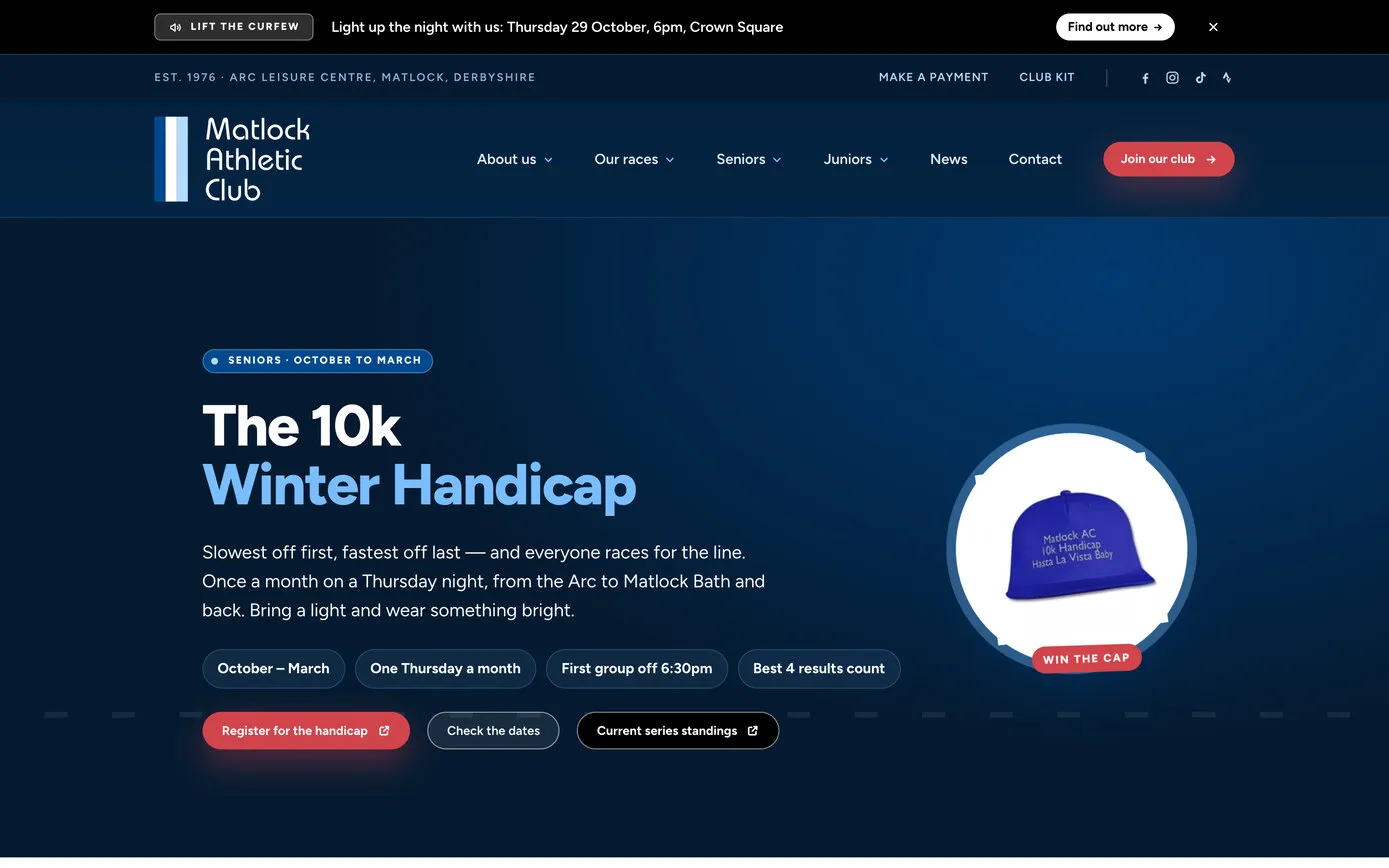
Some of the best things about a running club don’t fit in a form. The 10k winter handicap is one: six races on Thursday evenings from October to March, from the Arc to the Pavilion in Matlock Bath and back. The slowest runners set off first and the fastest last, so everyone is racing for the line, and the best age-graded runner each month gets to wear the club’s blue cap. As the club newsletter put it:
It’s all for fun (it’s really for the glory of the 10k cap).
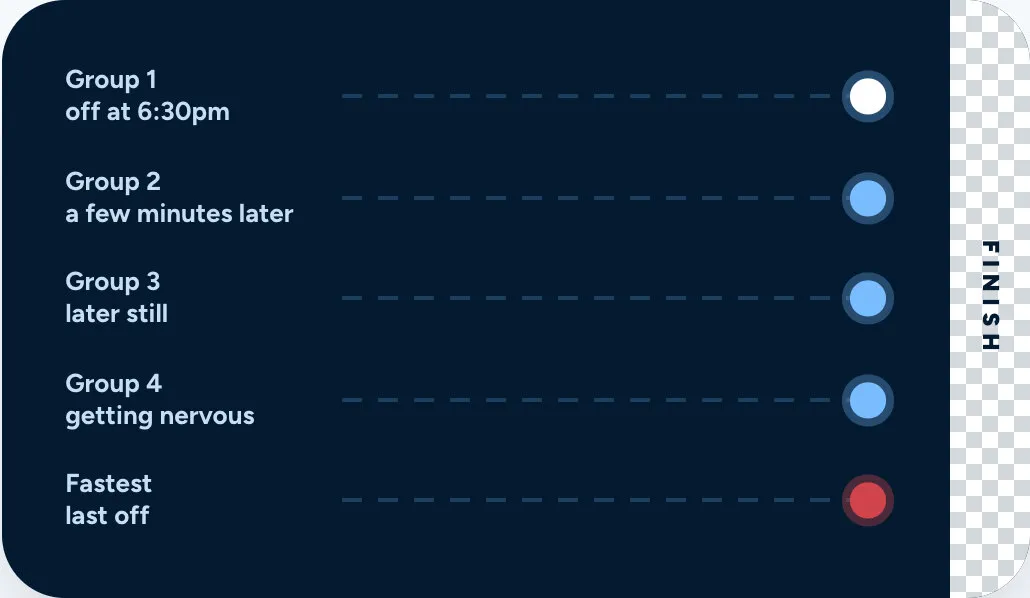
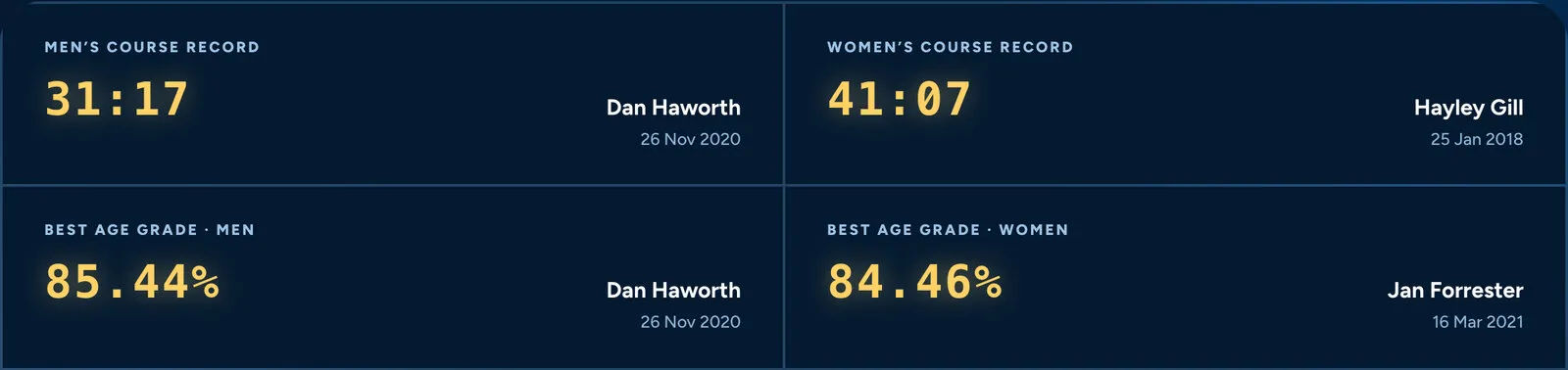
So the handicap page puts the cap in a spotlight with a “Win the cap” badge, draws the staggered start as lanes on a track, from “Group 1: off at 6:30pm” to “Group 4: getting nervous”, and shows the course records on a scoreboard, with the junior girls’ record still up for grabs. The month’s winners photo and the link to the standings are set in Club settings, so the photo changes after every race, and the link each season, without anyone touching the page.
In the club’s 50th year there’s more: the MAC50 page lists the anniversary events and ticks each one off as it passes, members’ Me!Me!Me! interviews sit in a row you can drag sideways, and the race cards don’t take themselves too seriously. Peak Rail 7 is “a race against a steam train. Yes, really.”
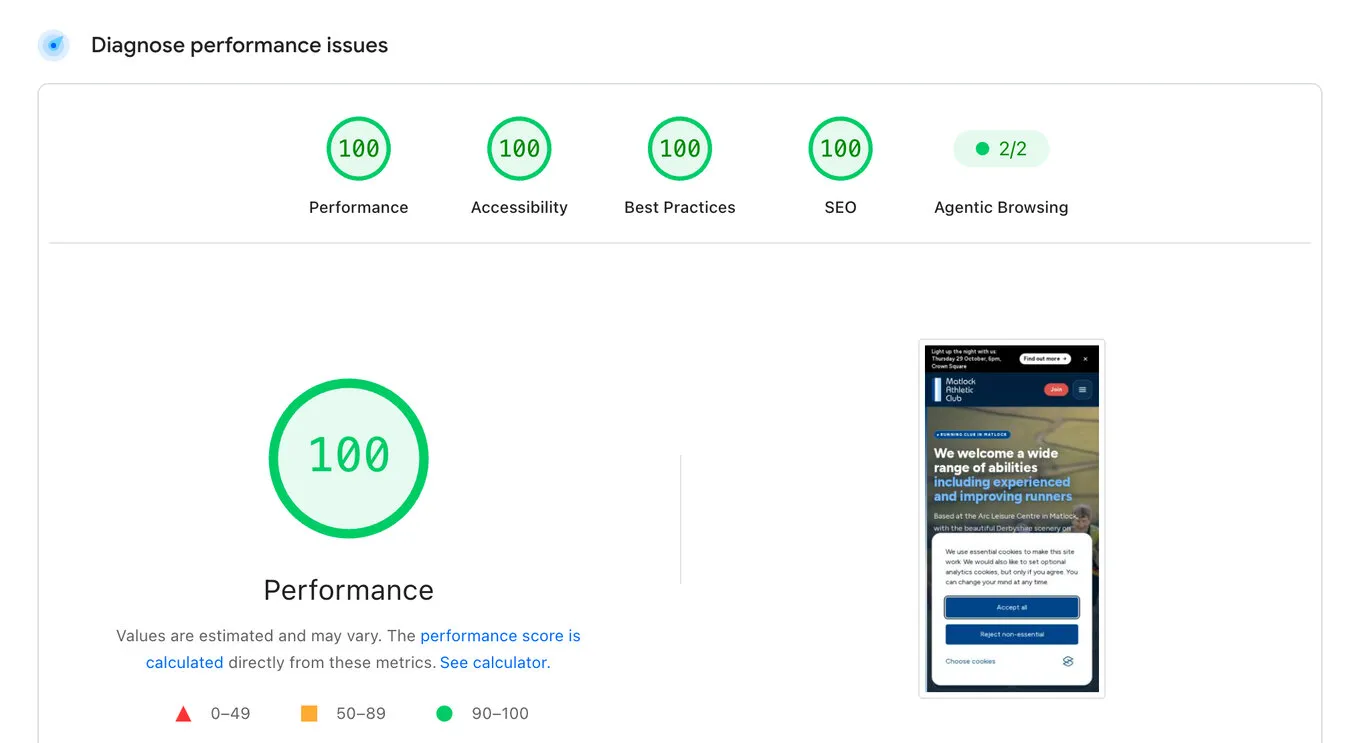
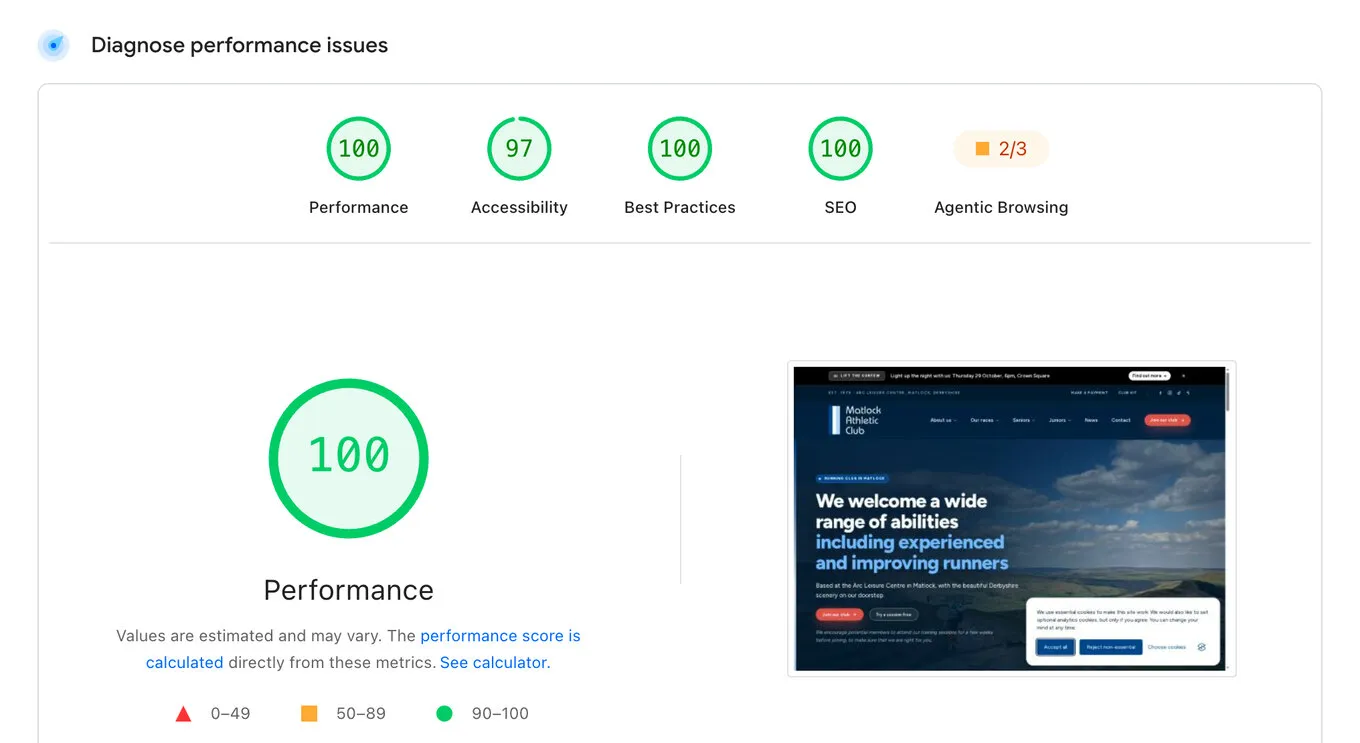
Most visitors to a club website are on a phone, often on a patchy signal at the side of a field. On launch day the home page went through Google’s PageSpeed test, which checks how quickly a page loads and how well it’s built. On a phone it scored 100 in all four: performance, accessibility, best practices and SEO.
What makes it quick: photos are saved in the modern WebP format at every size as they’re uploaded, with no image plugin or subscription; the scripts load at the end of the page; the fonts are fetched early, so text doesn’t flash as the page loads; and the site sits behind Cloudflare.
And kind: Google Analytics loads only after a visitor says yes to cookies, and YouTube videos set no cookies until they’re played. We don’t have a like-for-like test of the old site from before the switch, so these scores aren’t a before-and-after.
Google PageSpeed · on a phone
On a computer
How quickly the home page appears
Google PageSpeed Insights, home page, 9 October 2026, 4:46pm. The timings are Google’s lab test: the largest thing on screen, total blocking time and cumulative layout shift. Scores vary a little from one test to the next.
The new site went live on the afternoon of Friday 9 October 2026. Editors kept their usernames and passwords, and the old site stayed running, untouched, on its own address, so the club could have switched back in seconds if it had needed to.
Before the switch we tried every one of the 749 addresses in the old site’s sitemaps on the new one, so links in old newsletters, Facebook posts and search results still land in the right place.
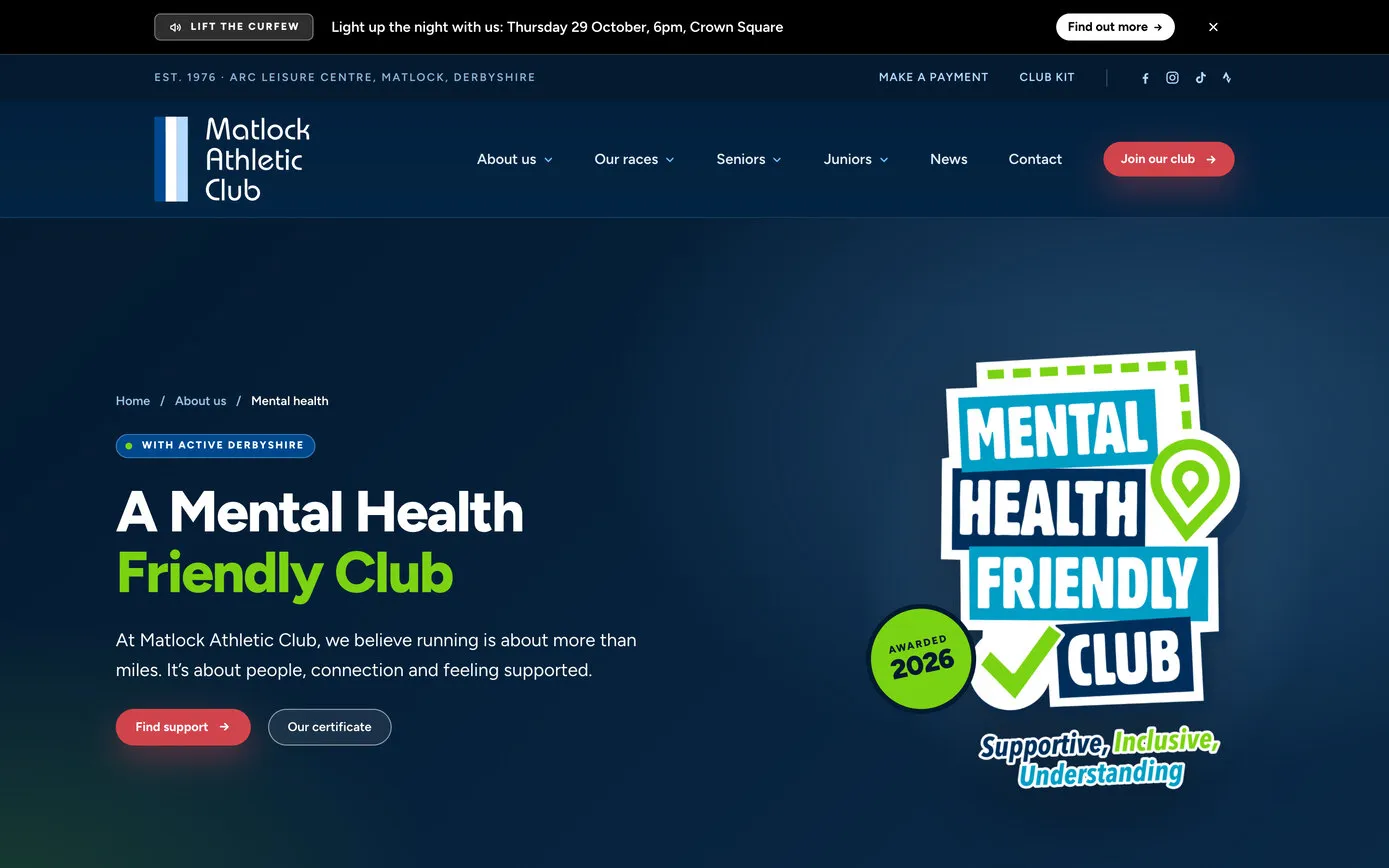
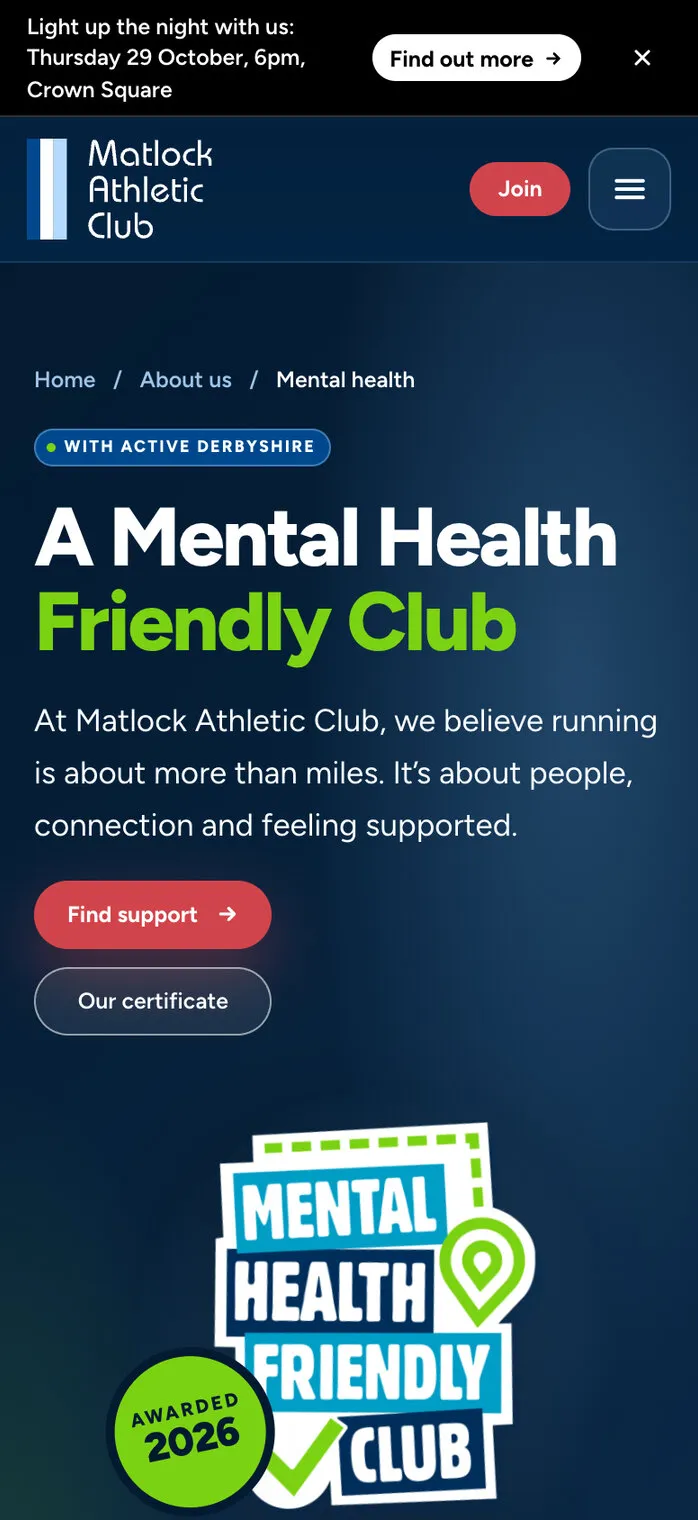
That evening’s newsletter linked to the club’s new Mental Health Friendly Club page, written by its welfare officer. And the first request after launch, a button to this season’s handicap standings, was on the site the same day, with a box in Club settings so the link can change each season.
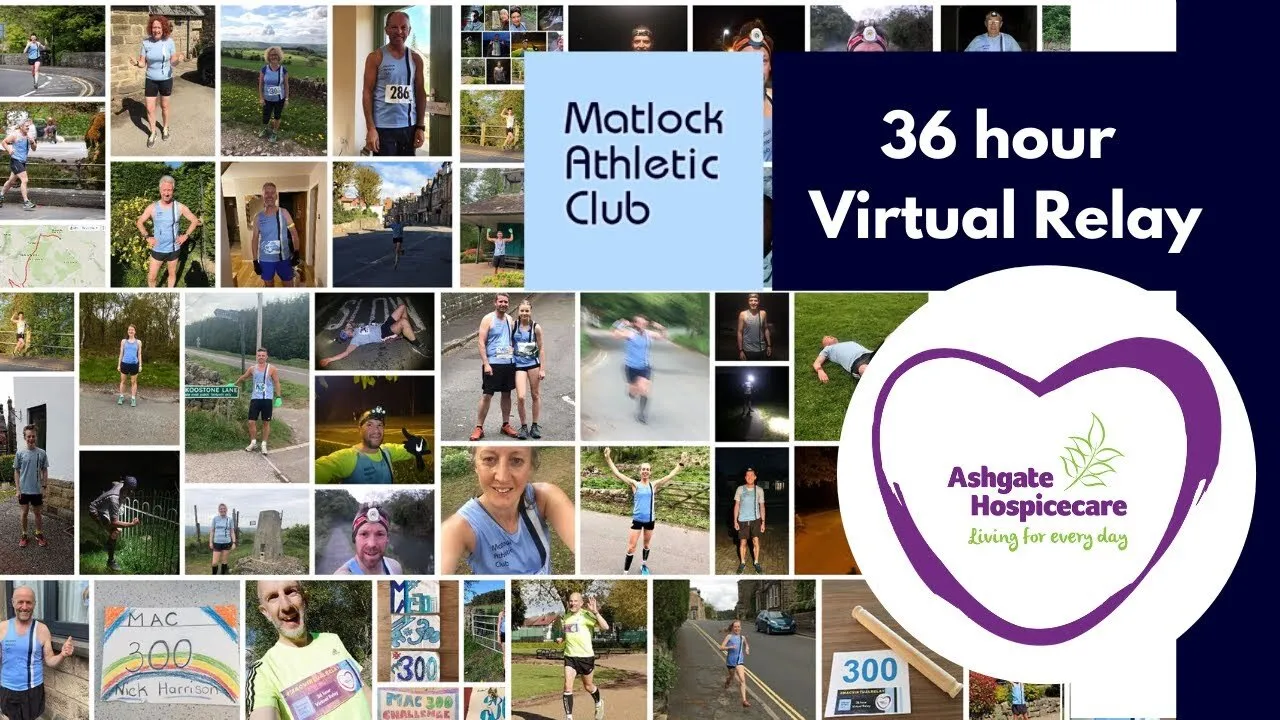
In spring 2020 lockdown closed Ashgate Hospicecare’s charity shops and cancelled its fundraising events. So the club set itself a challenge for the hospice: 300 miles in a continuous 36-hour virtual relay, over the weekend of 2 and 3 May.
More than 50 members took part, from juniors to veterans. Each ran a solo leg of 30 or 60 minutes from their own front door, and the next runner set off as soon as the last one finished, right through the night and within the lockdown rules. The BBC covered it on its website, and the club’s chair talked about it on BBC Radio Derby.
Our founder, on the club’s committee at the time, set up the GoFundMe page and put together the film of the weekend: clips the runners had filmed on their phones and shared on Facebook and in shared folders, set to music by Gilkicker, our founder’s brother’s band. The page raised more than six times its £1,000 target.
From the club’s GoFundMe page, October 2026.
It’s early days: the site went live on 9 October 2026. A few days before, we showed it to the chair and the treasurer:
I’ve had a quick look both on my phone and PC, and it looks fresher on both.
The chair also tried editing a page on the new site:
I thought it seemed much more responsive and straightforward than on our existing site.
What we can count is what came across, and that every old address still works:
| Carried across to the new site | How many |
|---|---|
| News posts | 673 |
| Pages | 59 |
| Races | 8 |
| Club history entries | 25 |
| Me!Me!Me! member interviews | 23 |
| Photos and files | 3,357 |
| Forms, with 1,766 past entries | 20 |
| User accounts, with the same usernames and passwords | 13 |
| Old addresses checked before the switch | 749 |
From our migration and launch notes, 4 to 9 October 2026. The news posts include drafts.
Training sessions, races, fixtures, club history, interviews, committee members and FAQs are all structured content, so editors fill in boxes and the design looks after itself. That matters for a club: committees change, and the next volunteer can pick it up from the manual.