Visitor Tracker · Lead sources
Lead sources, and the email that comes with every enquiry
Shown on a demo site with made-up enquiries.
- Plugin
- WS Form
- Reports
Our own WordPress plugin that remembers how each visitor found the website, whether it was a Google ad and the words they searched, a Google search, an AI assistant such as ChatGPT, a social post, a newsletter or a printed leaflet, and adds it to every enquiry they send. The business sees it in the enquiry email itself, and month by month in a report, so its marketing can be judged by the enquiries it brings. It’s built into WS Form, the form builder on every website we make in Etch, and it waits for each visitor’s cookie choice.
A practice might run Google Ads, post on Facebook, send a newsletter and put leaflets through doors. Each of those has its own dashboard full of clicks, views and visits. None of them can say which one brought in the enquiry that arrived this morning.
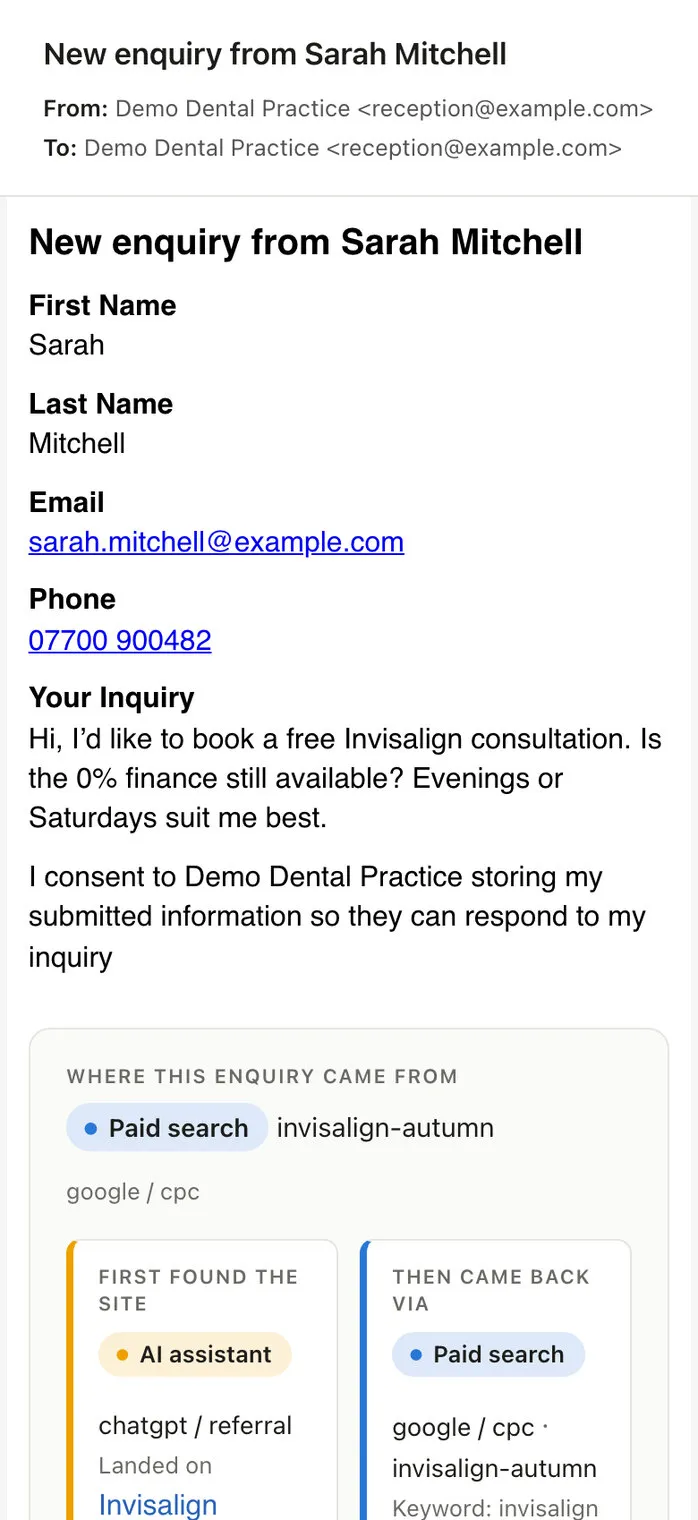
So we made the enquiry say it. CM Visitor Tracker quietly follows each visitor from the moment they arrive, and when they send a form, the email the business receives ends with where they came from. Drag the divider to see the difference.
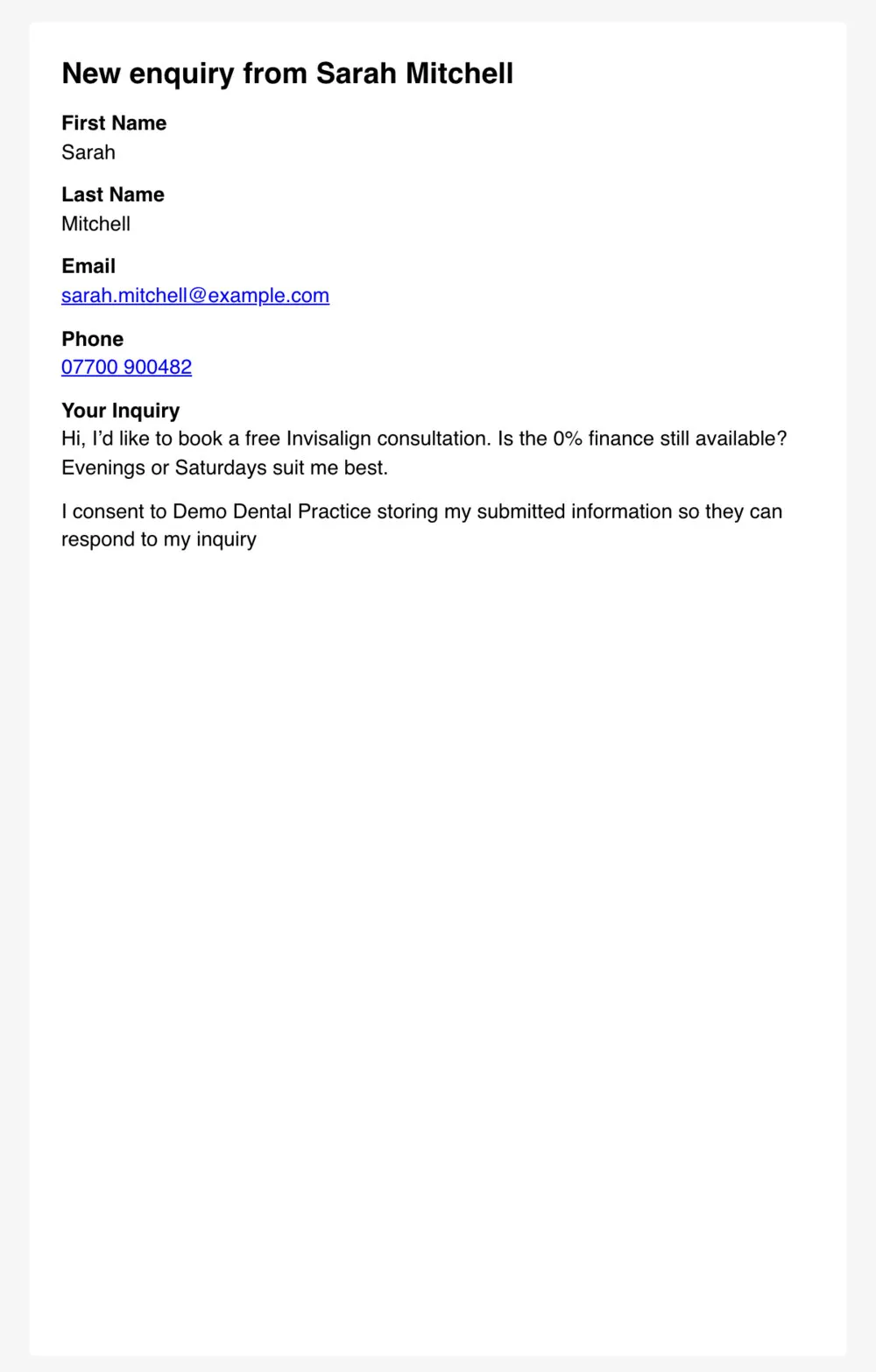
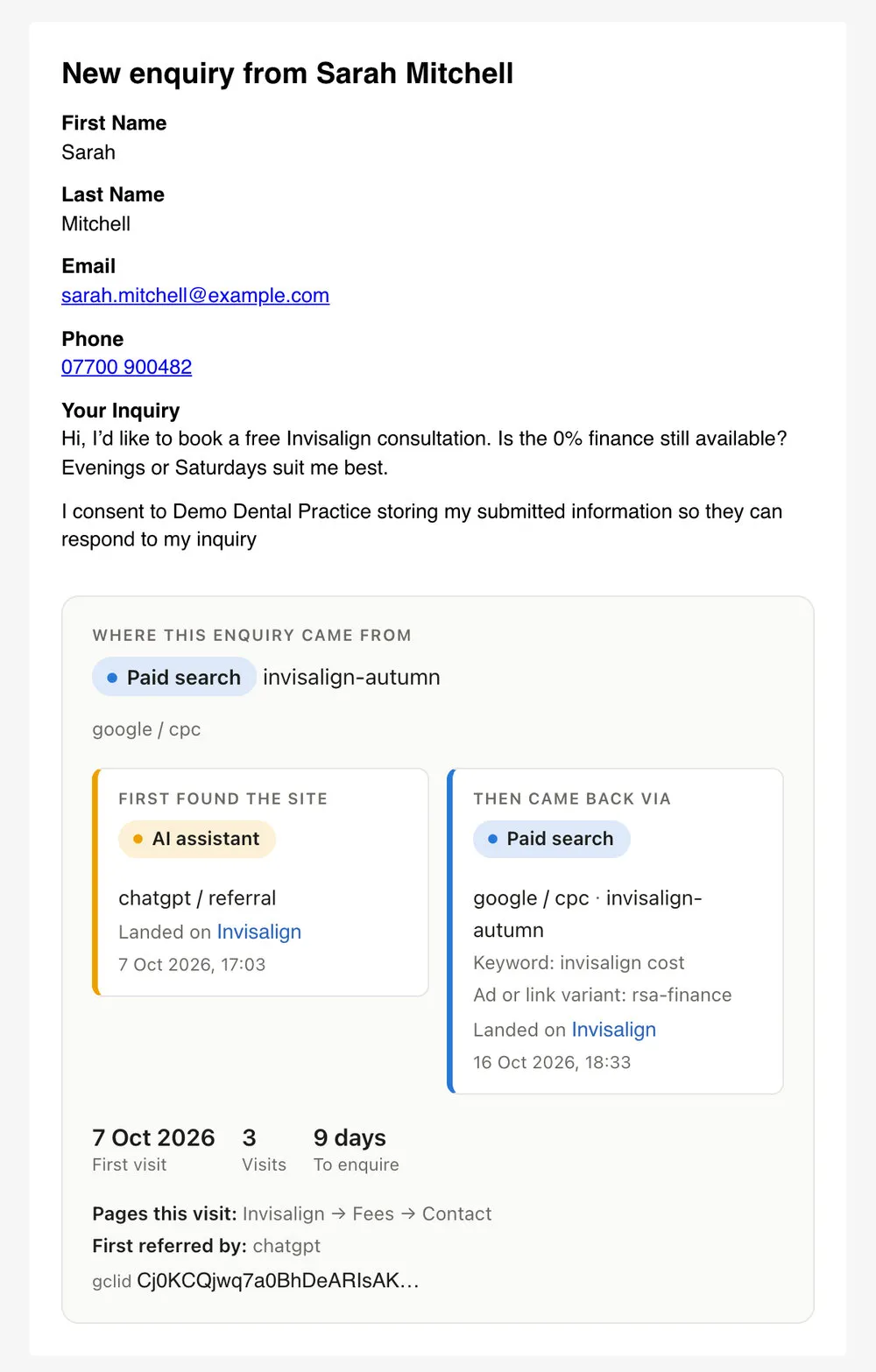
A made-up enquiry on our demo site: she first found the practice through ChatGPT, then came back from a Google ad nine days later.
People rarely enquire on their first visit. Someone might find a practice through a Google search on Monday, see a Facebook post on Wednesday and come back from an advert on Friday to book. The tracker remembers both ends of that story: how they first found the site, and what brought them back the time they enquired.
One visitor’s journey: found the practice on Google, came back from an advert, and enquired.
Campaign links tagged with UTM codes are read exactly as they were written. But most visits don’t come from tagged links, so the tracker also recognises where people came from on its own: Google, Bing and other search engines, AI assistants such as ChatGPT, Perplexity and Gemini, Facebook, Instagram, LinkedIn and the rest of social media, webmail, and every other website.
It knows the small things that trip up other tracking too. A link tapped in the Gmail app on Android is an email, not a Google search. An ad click is recognised from Google, Microsoft, Meta, TikTok and LinkedIn, and kept with the enquiry. And messy tags are tidied, so “fb”, “Facebook” and “facebook.com” all count as Facebook.
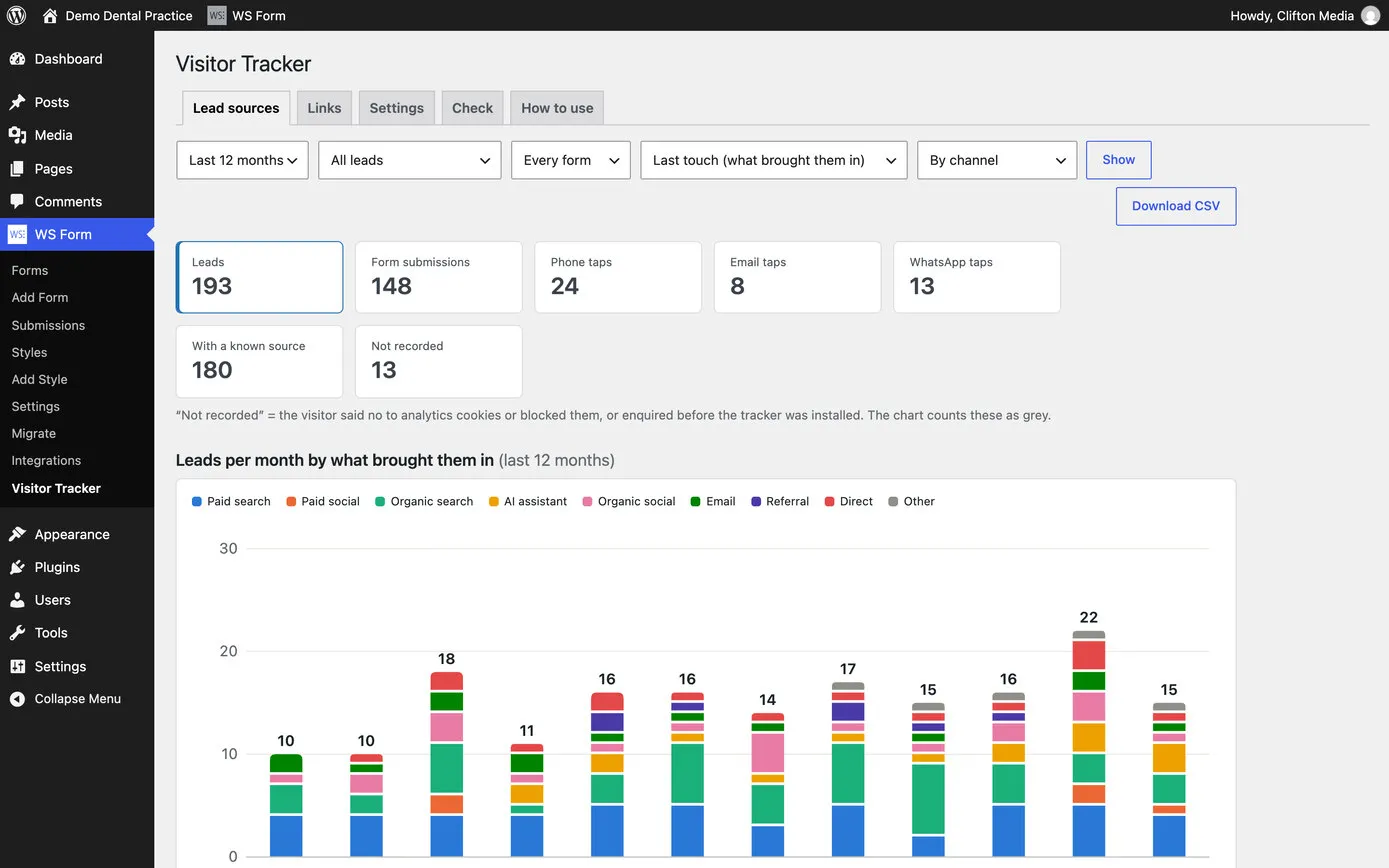
The channels and their colours, as the reports show them. They follow the way Google Analytics groups traffic, so the two can be compared.
Every website we make in Etch uses WS Form for its forms: bookings, enquiries, call-backs, referrals. CM Visitor Tracker was made for that one form builder and nothing else, so everything it records appears inside WS Form’s own screens, where the forms are already managed.
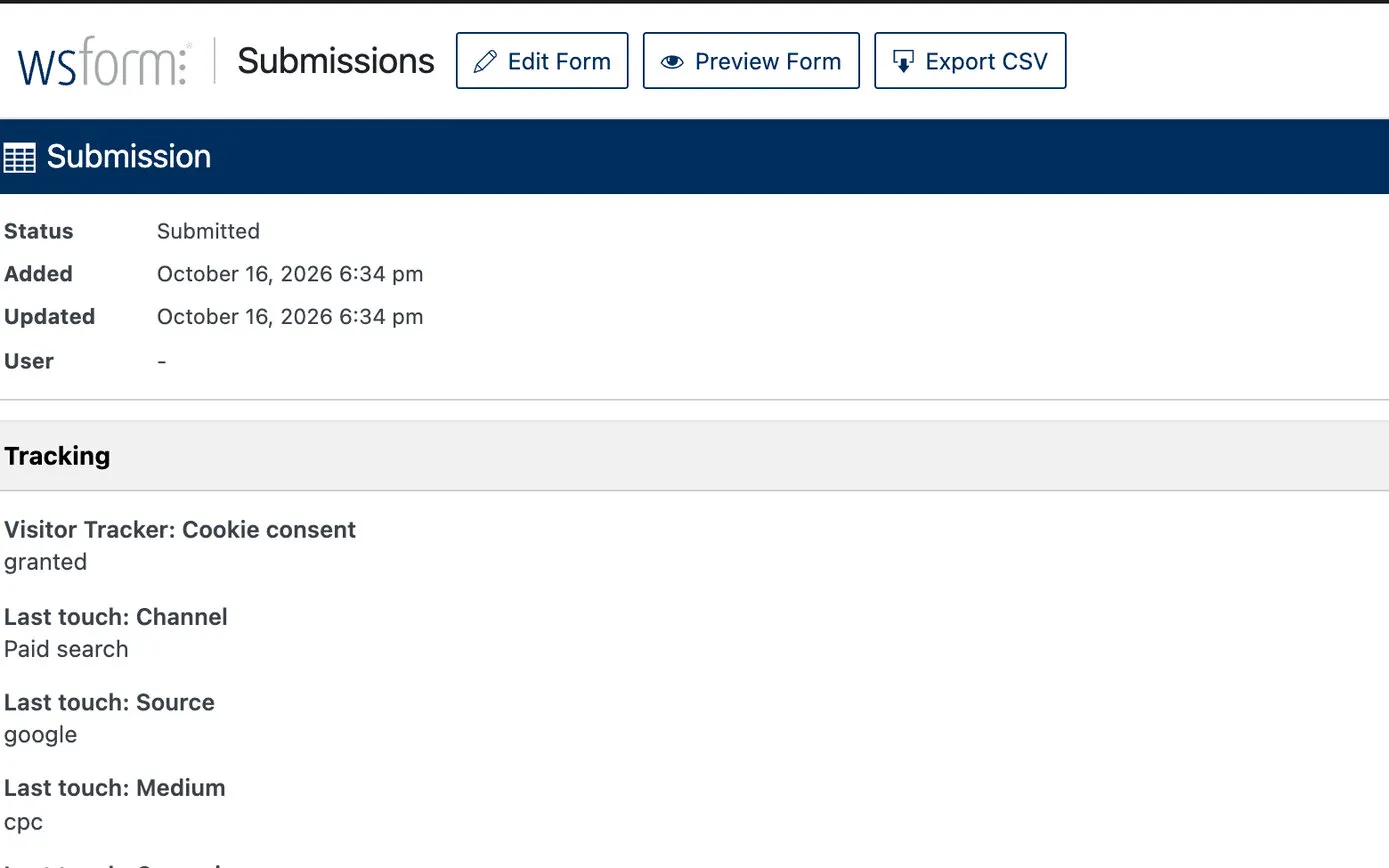
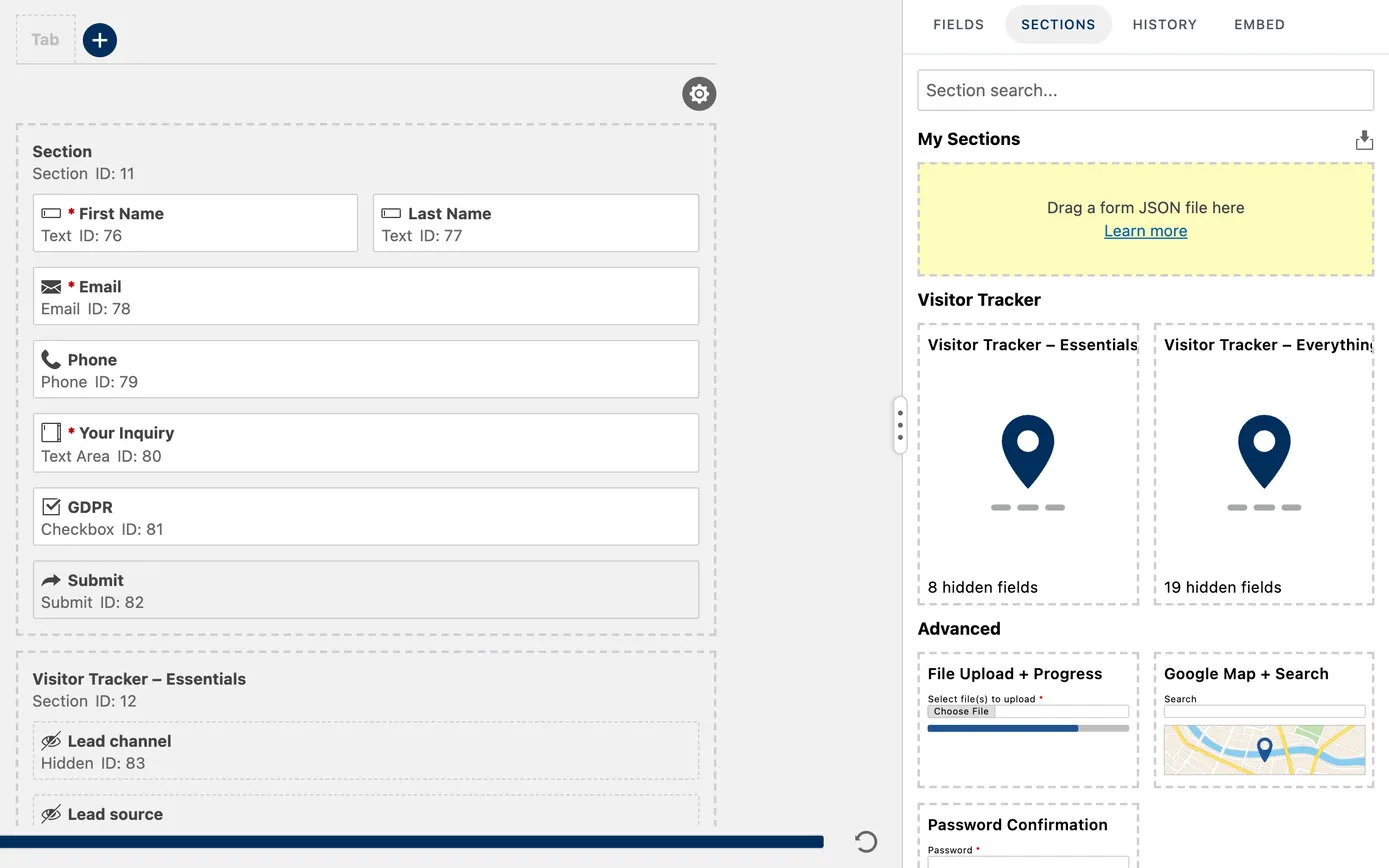
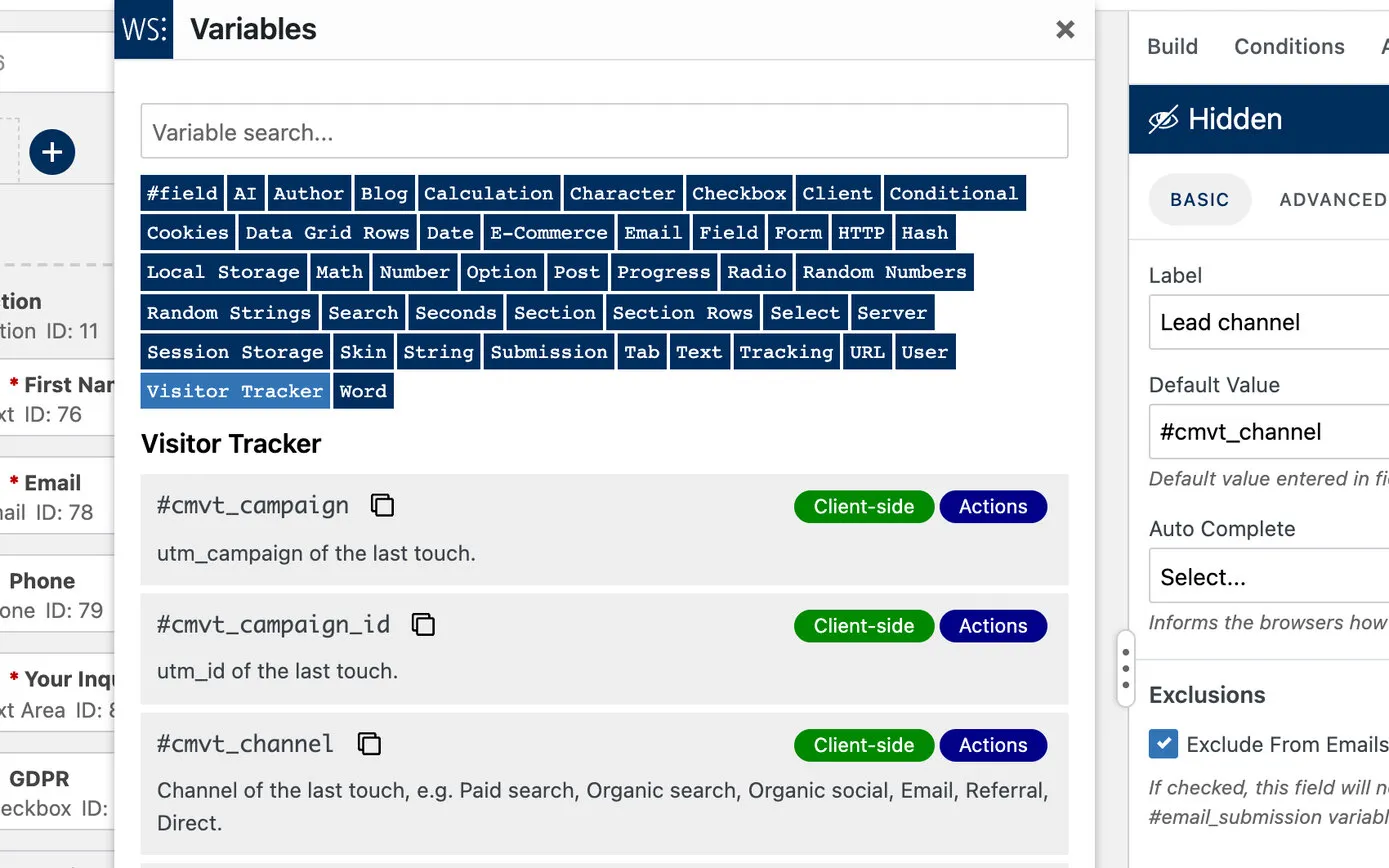
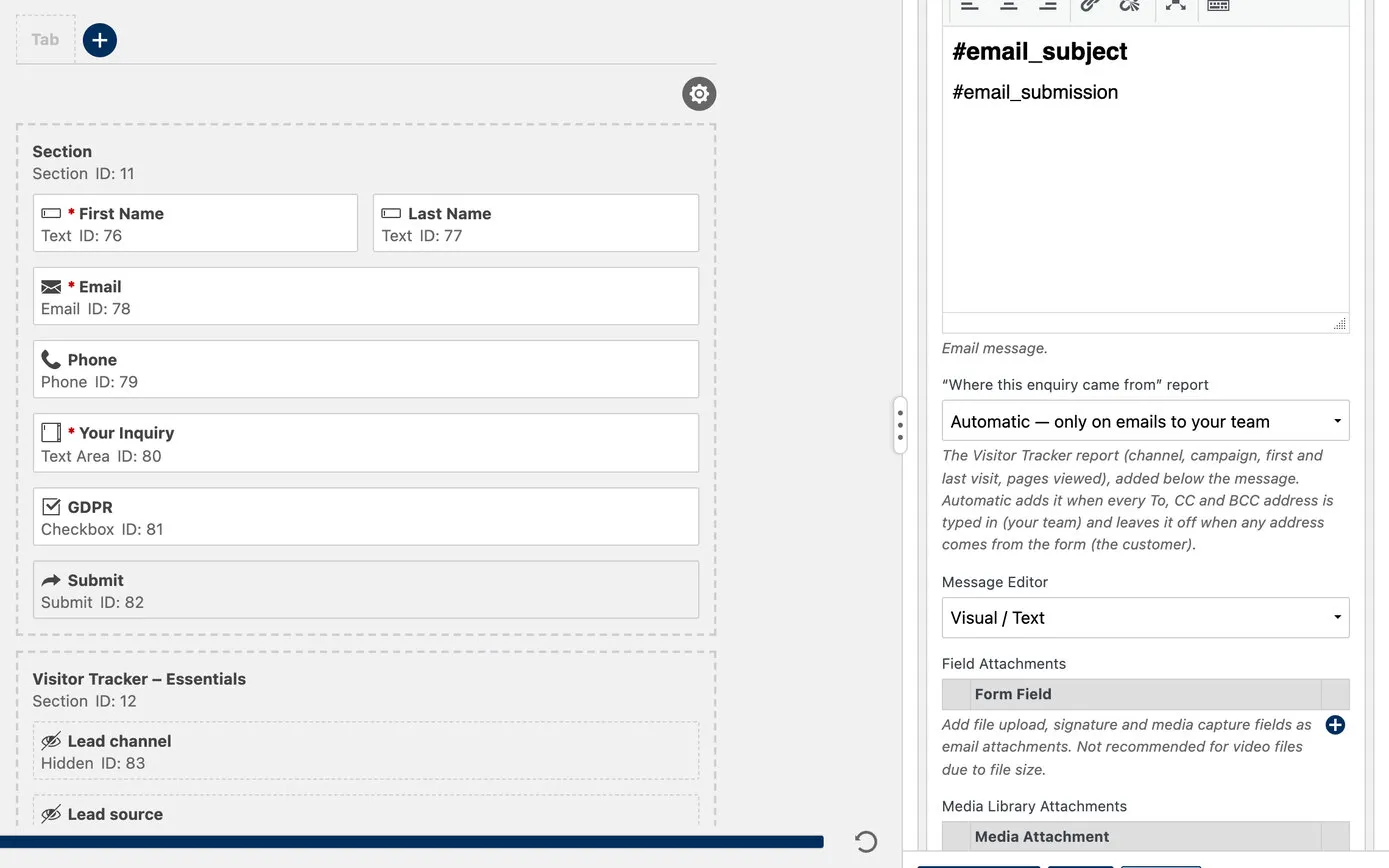
Remembering a visitor means a cookie, so the tracker does nothing until the visitor has said yes. It works with the cookie banner on our websites and with Google Consent Mode, and if someone says no, or changes their mind later, everything it stored about them is deleted at once.
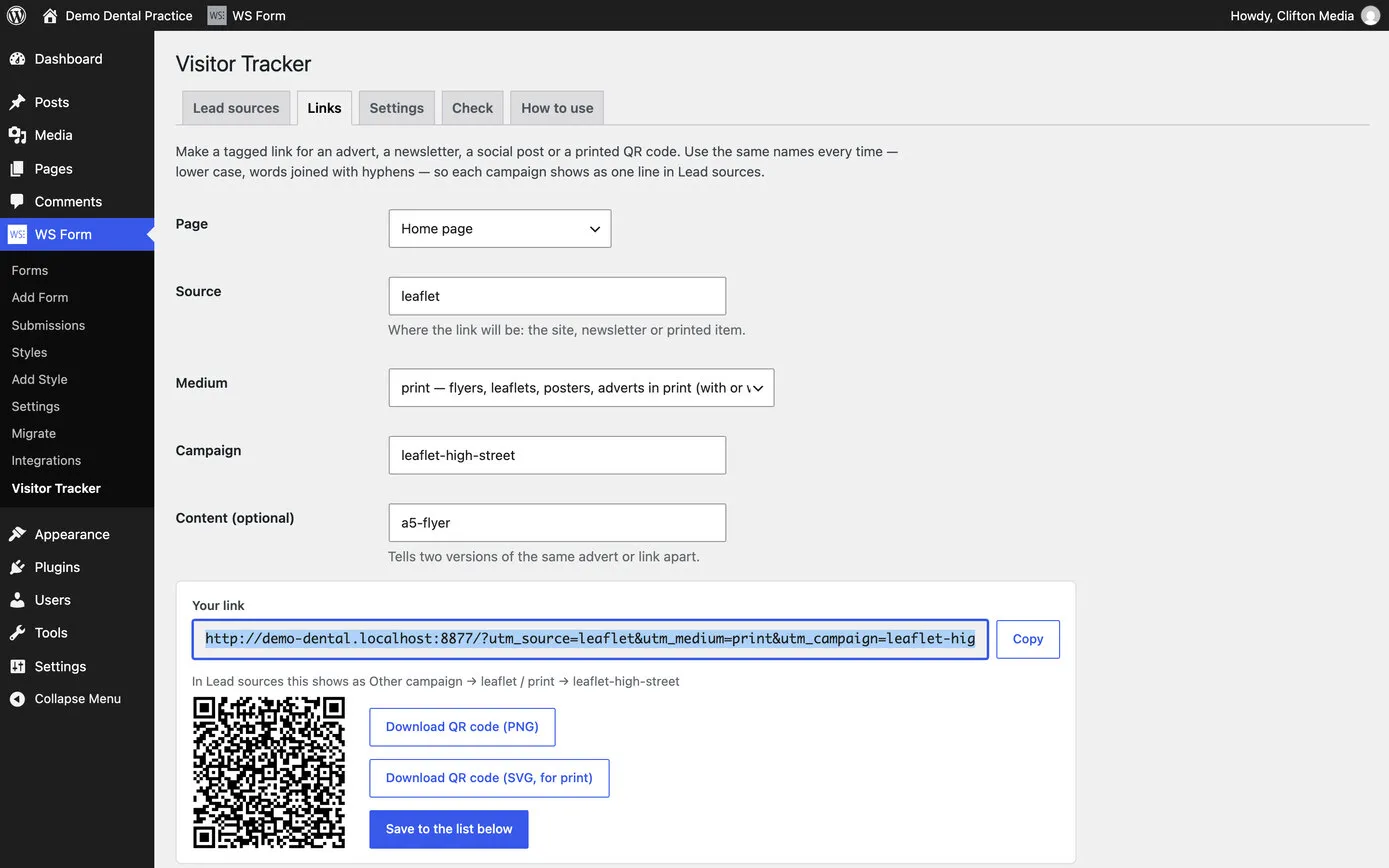
The best way to know a campaign worked is to tag its links. The tracker has a link builder of its own: choose where the link goes, say what it’s for, and it makes the tagged link and a QR code ready for a leaflet, a poster, a newsletter or a social media bio. The names are tidied as they’re typed, so every campaign is spelled the same way in the reports, and every link made is saved in a list to use again.
Every enquiry is a lead, and so is every tap on a phone number, an email address or a WhatsApp link, each with where that visitor came from. They all add up in the Lead sources report: twelve months by channel at a glance, then by source, campaign or landing page, with a spreadsheet download of the lot.
Nobody has to log in to see it. A monthly email can go to the business on the 1st, with last month’s leads by channel compared with the month before. And if the tracker ever stops recording, for any reason, an email and a notice in WordPress say so.
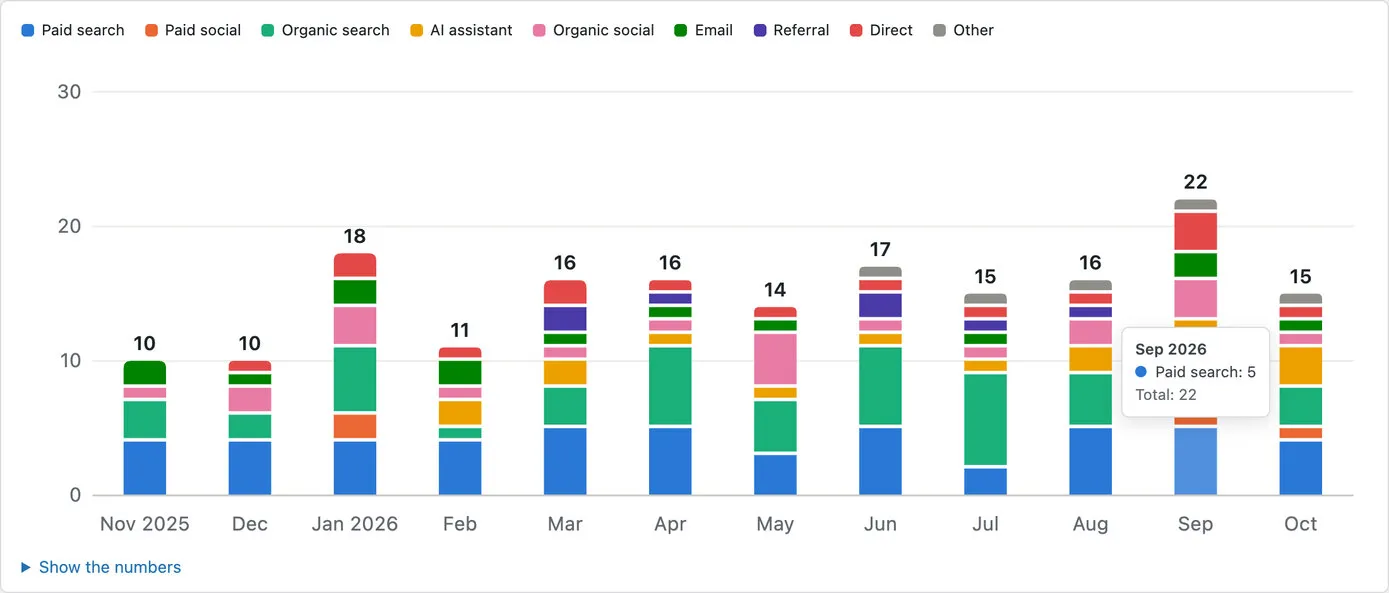
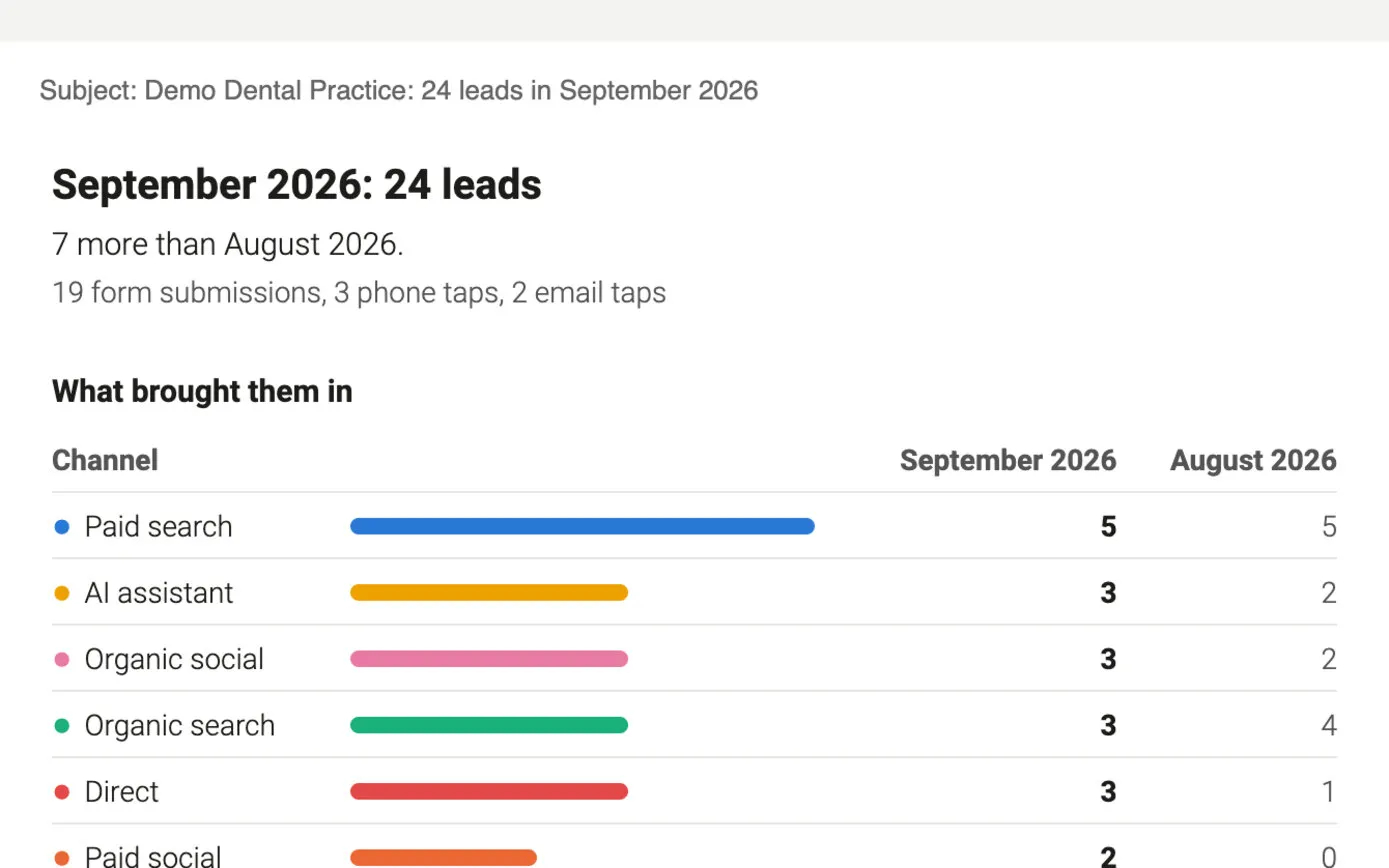
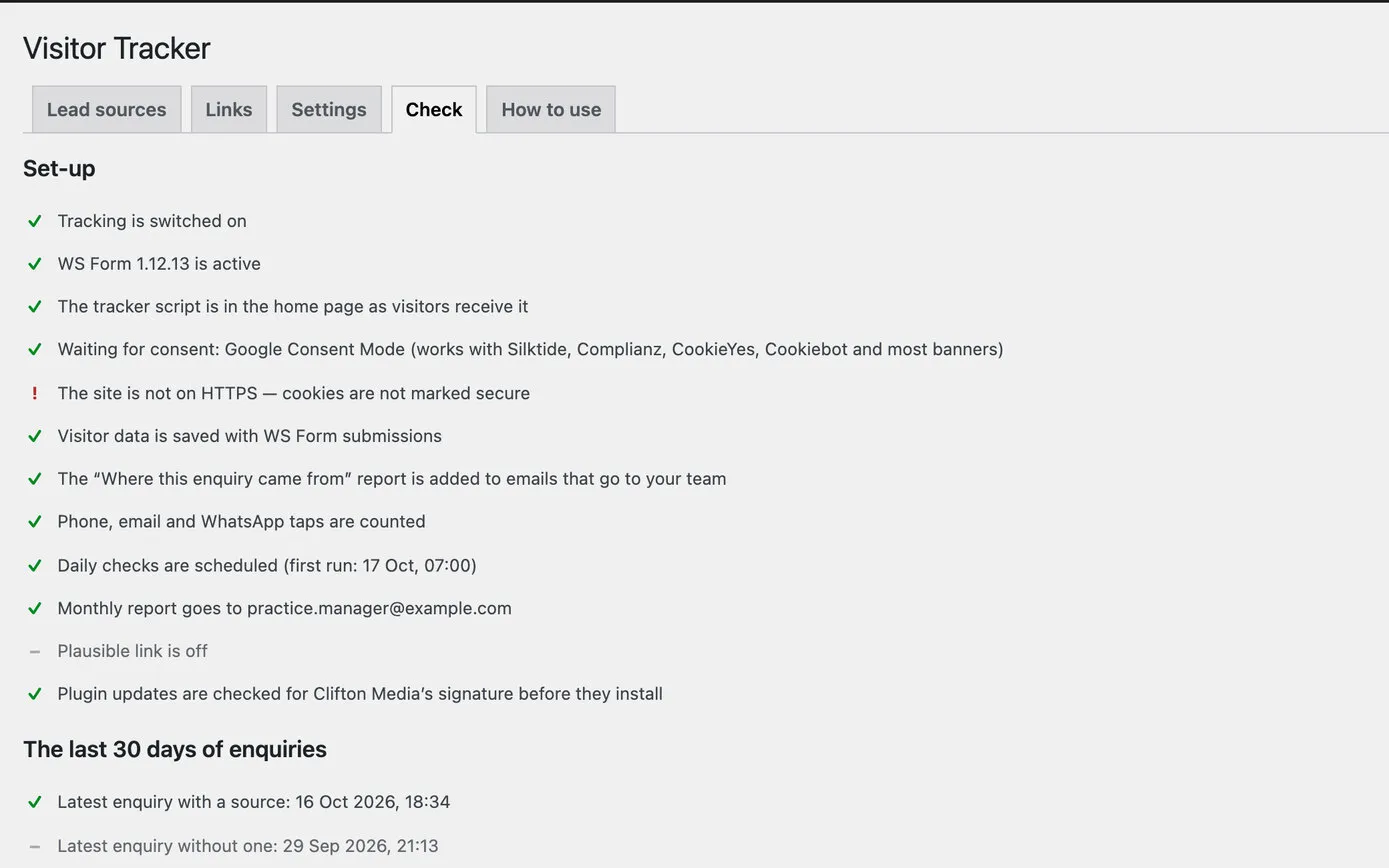
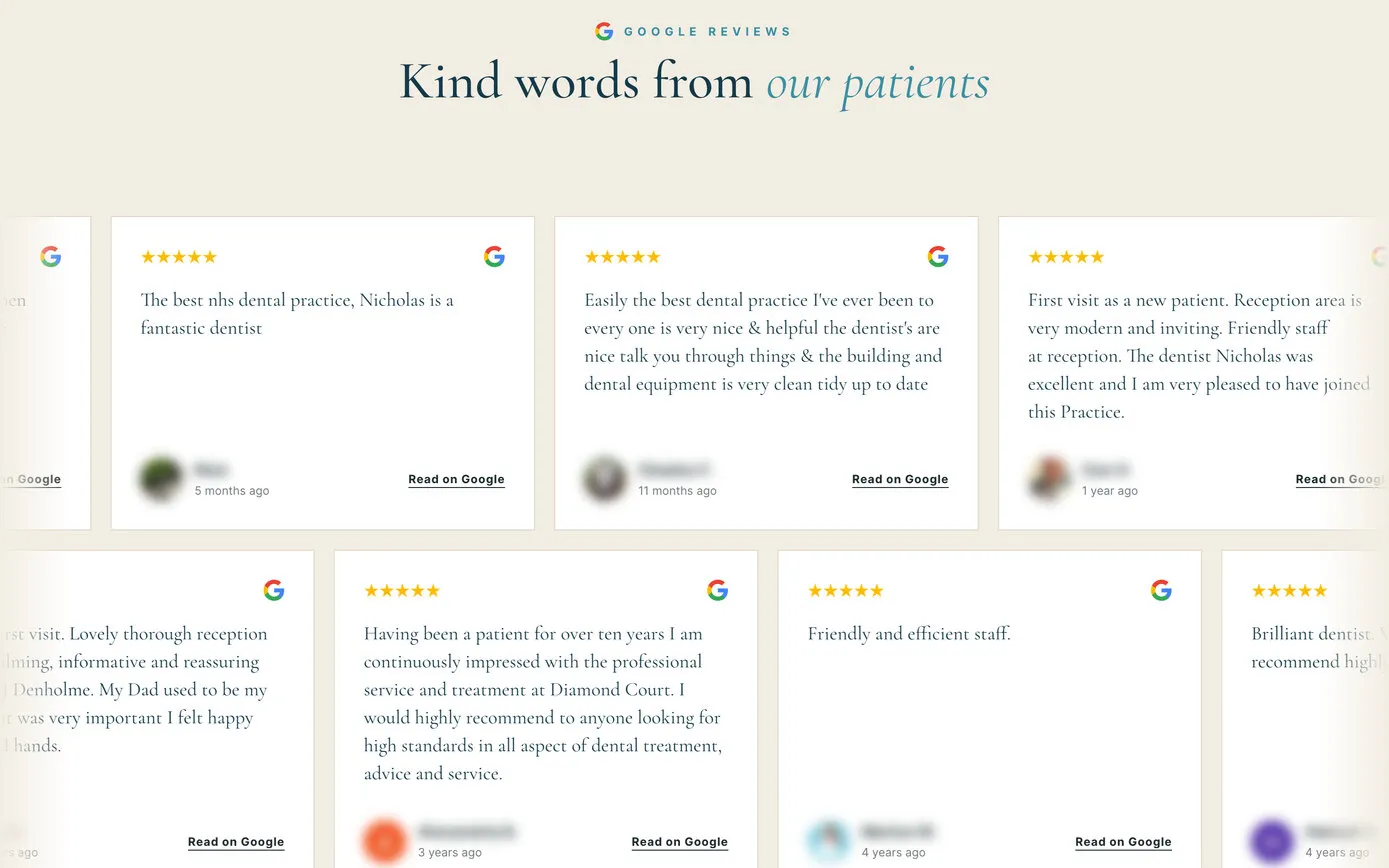
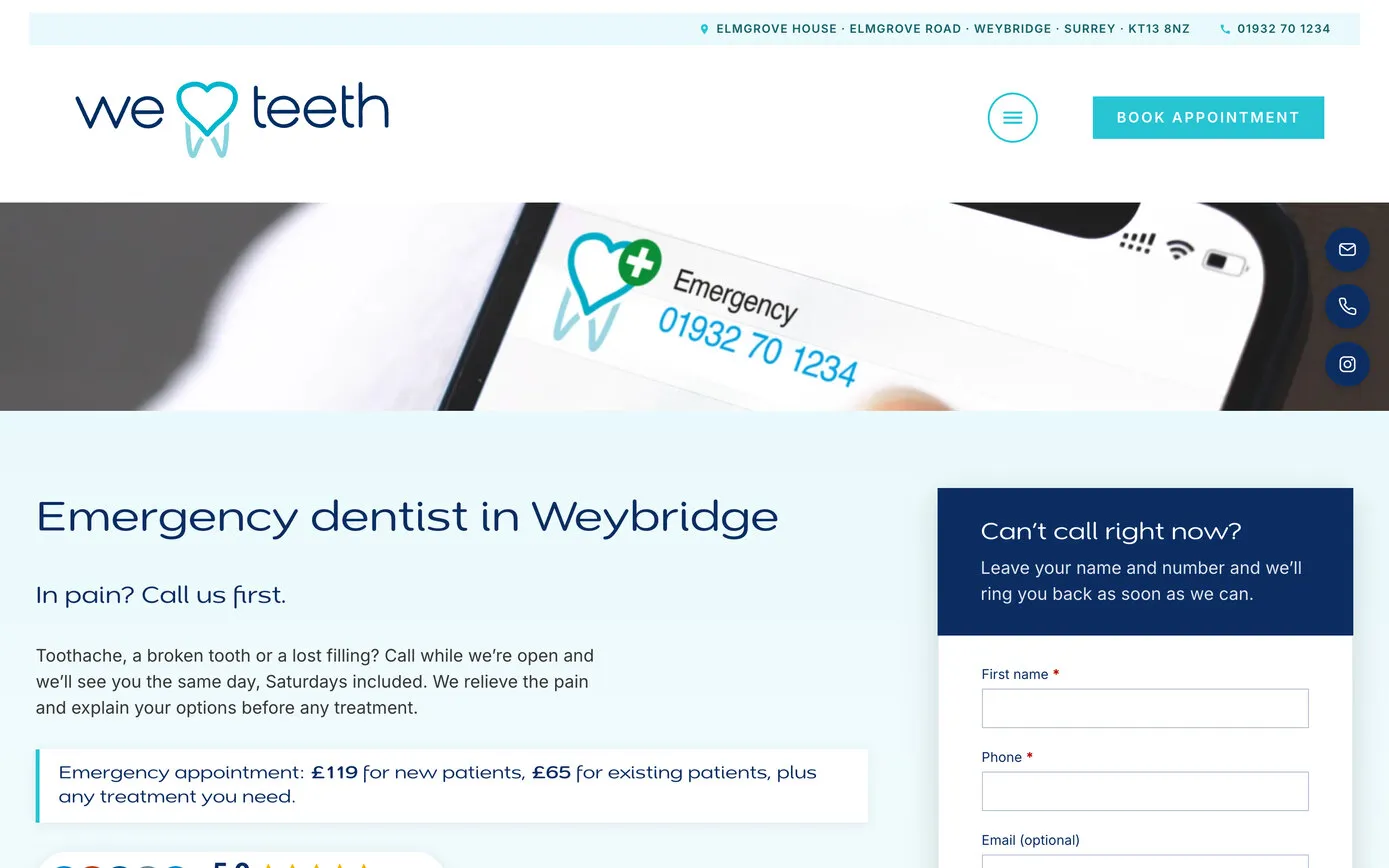
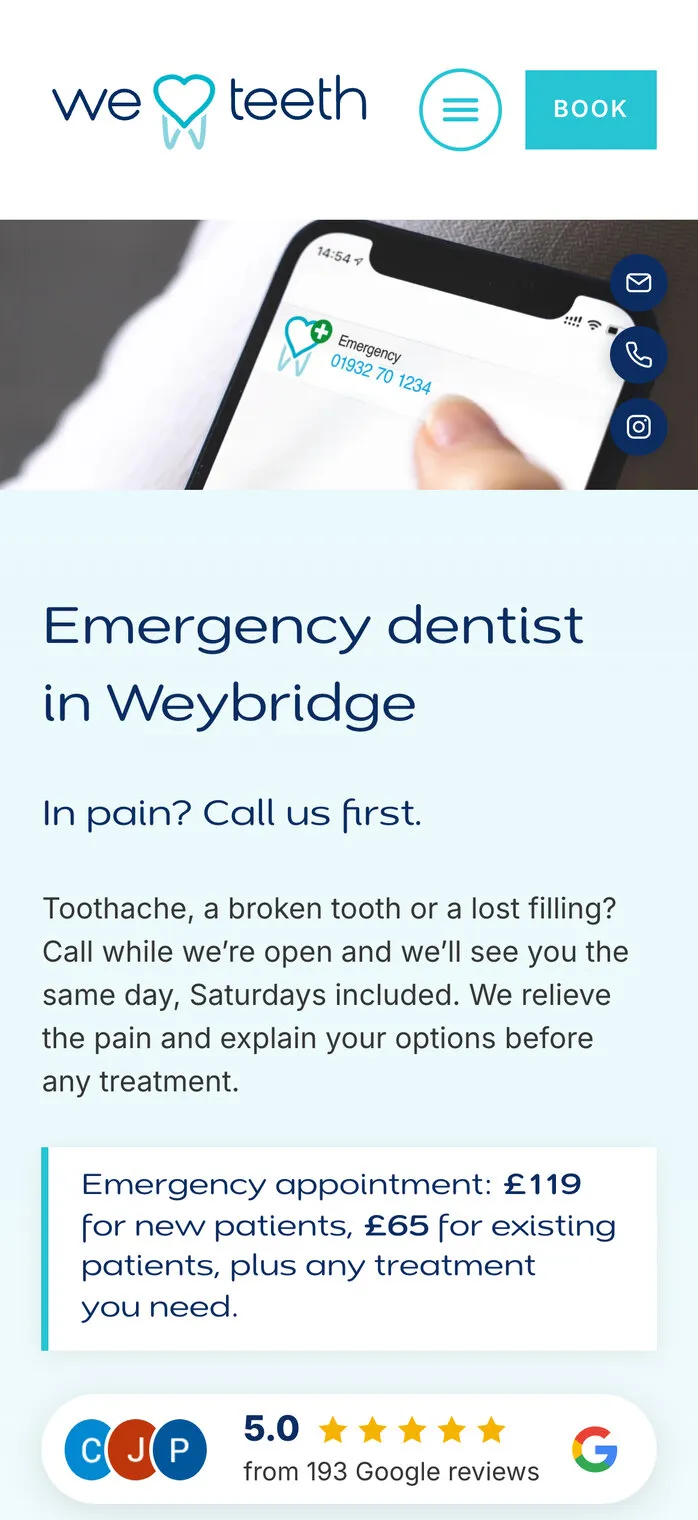
We Love Teeth runs Google Ads for emergency appointments, Invisalign and implants, each landing on a page of its own with a short call-back form. Every enquiry from those pages reaches the practice saying which campaign it came from, and the same goes for every other form on the site. There’s more on the practice’s new website in our We Love Teeth case study.
Matlock Athletic Club uses it on the club’s own forms, so each one that arrives says how its sender reached the club’s website. The club’s website is in our Matlock Athletic Club case study.
Our own website runs it too. Every “Website by Clifton Media” credit at the foot of our clients’ sites carries its own tags, so when someone enquires after admiring a client’s website, we know which one.
A client site’s footer credit, and what the enquiry says
clifton-media.co.uk/work/weloveteeth/
?utm_source=weloveteeth.co.uk&utm_medium=referral&utm_campaign=website-credit

Where this enquiry came from: Referral · weloveteeth.co.uk · website-credit
(the panel in the enquiry email, in short)
Marketing judged by the enquiries it brings. Every enquiry on our clients’ websites can now say where it came from, in the email the business already reads, and the reports add them up month by month. It runs on the website itself, it waits for consent, and it’s looked after by the same team that built the site.
| Question | Where the answer is |
|---|---|
| Where did this enquiry come from? | At the foot of the enquiry email |
| Which campaign or ad was it? | In the email, the submission and the report |
| How long did they take to enquire? | Visits and days to enquire, in the email |
| Are phone calls from the website counted? | Taps on phone, email and WhatsApp links count as leads |
| Did last month’s leaflet work? | Its QR code’s leads, in the monthly email |
| Is it still working? | The Check tab, and an alert if it ever stops |
Want to know which of your marketing brings in the business? We’d like to hear about it.